
Streaming platform quality can change even when you use the same device. The quality of a streaming platform really depends on resolution, compression, audio settings, and connection stability.
Understanding these factors helps you control what you see and hear instead of relying on default platform choices.
What Streaming Quality Actually Means
Streaming quality means how video and audio are delivered, not just how sharp the image looks.
It depends on resolution, bitrate, compression, sound format, and how the platform adjusts quality in real time.
Resolution and Frame Rate Basics
Resolution and frame rate control clarity and smooth motion. Use these key terms to understand what you are actually getting.
- SD (Standard Definition): Shows basic detail and uses less data.
- HD (High Definition): Looks clearer than SD and is often the default.
- Full HD (1080p): Delivers sharper detail, especially on larger screens.
- 4K (Ultra HD): Provides the greatest detail but needs strong speed and support.
- Frame Rate (FPS): The number of frames per second, which controls motion smoothness.
- 24 FPS: Creates a film-like look common in movies.
- 30 FPS: Produces standard motion used for TV and online video.
- 60 FPS: Offers very smooth motion suited for sports and fast action.
- Upscaling: Improves the appearance of lower resolution without adding real detail.
- Downscaling: Reduces output quality when the device or connection cannot keep up.
Bitrate and Compression Explained
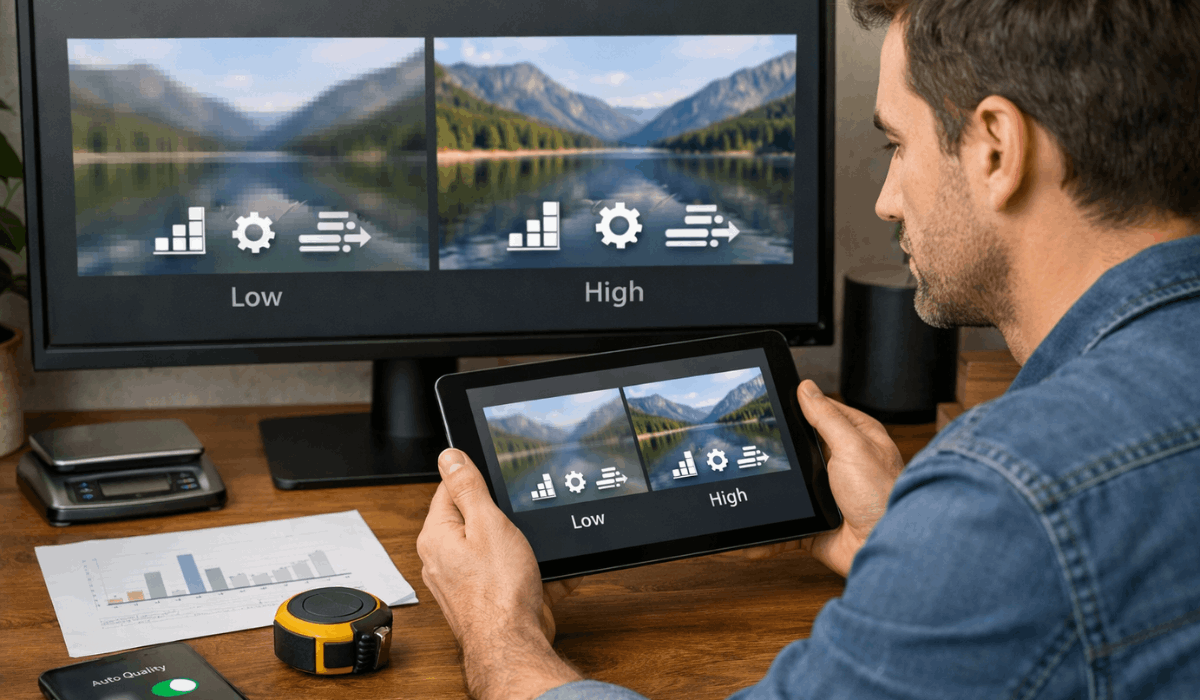
Bitrate and compression decide how much detail stays in a stream. They affect clarity more than resolution alone.
- Bitrate: Controls how much data is sent each second during playback.
- Higher Bitrate: Keeps more detail but uses more data.
- Lower Bitrate: Saves data but reduces sharpness and texture.
- Compression: Shrinks file size by removing visual and audio detail.
- Heavy Compression: Causes blur, blockiness, or loss of fine detail.
- Light Compression: Preserves clarity but needs more bandwidth.
HDR and Color Quality
HDR and color quality control brightness, contrast, and realism. Support depends on both the platform and your device.
- HDR (High Dynamic Range): Expands brightness and contrast for more detail.
- SDR (Standard Dynamic Range): Uses a limited brightness and color range.
- Wider Color Gamut: Displays more shades and smoother color transitions.
- Peak Brightness: Determines how bright highlights can appear.
- Tone Mapping: Adjusts HDR content to fit your screen’s limits.
- Device Support: Limits HDR benefits when the screen cannot display them properly.
Audio Quality and Sound Formats
Audio quality shapes immersion as much as video. Sound formats and device limits affect what you hear.
- Audio Bitrate: Controls how much sound detail is delivered.
- Compressed Audio: Reduces data use but lowers clarity.
- Stereo Sound: Uses two channels for basic left and right audio.
- Surround Sound: Adds multiple channels for depth and direction.
- Dialogue Enhancement: Boosts voices to improve speech clarity.
- Device Output: Limits quality when speakers or headphones lack support.
Internet Speed and Stability
Streaming quality depends on a steady connection. Speed alone does not guarantee clear playback.
- Bandwidth: The amount of data that can flow during playback.
- Stability: Prevents sudden drops that force lower quality.
- Latency: Delays data delivery and can cause stutter.
- Wi-Fi Interference: Weakens signal and reduces consistency.
- Buffering Behavior: Triggers automatic quality drops to keep the video playing.
Device and App Limitations
Not all devices output the same quality. Apps and systems can limit what you receive.
- Hardware Limits: Older devices may cap resolution and frame rate.
- Smart TV vs Mobile: TV apps often unlock higher-quality options.
- Browser Restrictions: Some browsers block 4K, HDR, or surround audio.
- DRM Support: Security requirements can limit playback quality.
- App Version: Outdated apps may miss newer quality features.
Automatic Quality Adjustment
Most platforms adjust quality automatically. Changes often happen without a warning.
- Adaptive Streaming: Switches bitrate and resolution in real time.
- Silent Downgrades: Lowers quality when the connection dips briefly.
- Recovery Lag: Quality may stay low even after speed improves.
- Visual Clues: Soft edges and blockiness indicate a lower bitrate.
- Audio Changes: Sound may drop from surround to stereo quietly.
Content Encoding Differences by Platform
Platforms encode content in different ways. Encoding choices change detail and motion handling.
- Codec Choice: Efficient codecs preserve detail at lower data use.
- Bitrate Targets: Each platform sets different data budgets per title.
- Scene Complexity: Fast motion and dark scenes show encoding limits.
- New vs Old Encodes: Updated encodes can look cleaner and sharper.
- Catalog Variation: Quality can differ even within the same platform.
Regional Quality Restrictions
Quality can change based on location. Regional rules and infrastructure affect delivery.
- Licensing Terms: Some regions receive capped playback quality.
- Server Distance: Longer routing increases the risk of drops.
- Network Congestion: Local peak hours reduce stability and bitrate.
- ISP Throttling: Some providers slow streaming traffic in certain cases.
- Regional Policies: Platforms may set different defaults by country.
Downloads vs Streaming Quality
Downloads can look better than live streams. Offline playback avoids connection swings.
- Higher Bitrate Options: Download tiers may allow better quality.
- Consistent Playback: Offline viewing prevents buffering drops.
- Storage Use: Higher-quality downloads consume more space.
- Device Limits: Some devices still cap download resolution.
- Best Use Cases: Travel and weak Wi-Fi benefit most from downloads.
Settings You Should Check
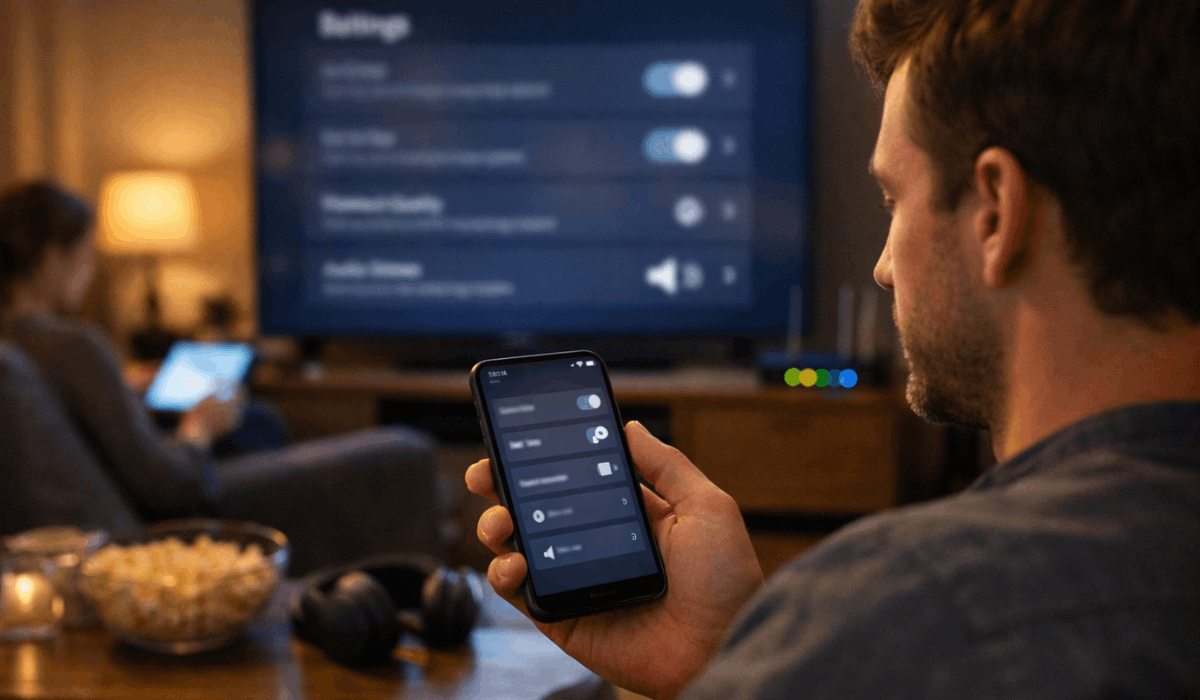
Default settings often prioritize saving data. Manual changes improve consistency and clarity.
- Playback Quality Setting: Choose higher quality when available.
- Data Saver Toggles: Turn off limits that reduce bitrate.
- Wi-Fi Only Rules: Prevent low-quality streaming on mobile data.
- Download Quality: Set higher tiers for offline viewing.
- Audio Preferences: Enable higher-quality formats when supported.
Network Congestion and Peak Viewing Times
Streaming quality often drops during busy hours. Network congestion affects data delivery across platforms.
- Peak Hours: Evenings see increased traffic and reduced available bandwidth.
- Shared Networks: Multiple users have lower quality on the same connection.
- ISP Load: Providers may struggle during high-demand periods.
- Quality Throttling: Platforms lower the bitrate to avoid buffering.
- Best Viewing Times: Off-peak hours usually deliver better quality.
Account Plan and Subscription Limits
Your subscription plan can cap streaming quality. Higher tiers often unlock better features.
- Plan Restrictions: Lower plans may block HD or 4K playback.
- Simultaneous Streams: Multiple streams can reduce quality per device.
- Device Caps: Some plans limit quality on secondary devices.
- Audio Limits: Advanced sound formats may require premium tiers.
- Upgrade Impact: Higher plans usually improve consistency and clarity.
Final Section: Getting the Best Streaming Quality
Streaming platform quality improves when you understand how video, audio, and delivery systems work together.
Small changes to settings, devices, and connections can noticeably improve what you see and hear.
Review your settings now and adjust them to get the best experience your setup can support.








