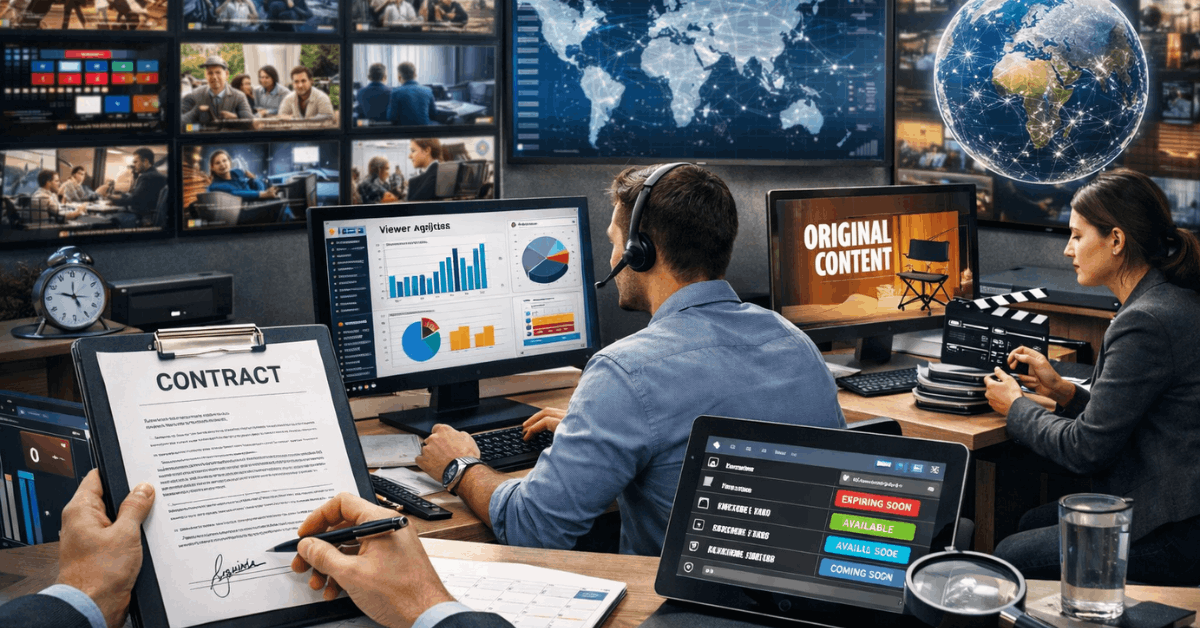
A missing film can feel like a mistake when it was saved for later. Streaming licensing decides where a title appears, how long it stays, and whether it comes with your plan.
Major services use rights deals, owned content, and local release plans. Knowing those catalog rules helps viewers avoid subscribing for a show that is unavailable, paid separately, or close to removal today.
Why A Streaming Library Is Always Moving?
A streaming library is not a permanent shelf owned forever. It rotates through contracts, territory rights, and studio decisions.
Rights Are Sold Country By Country
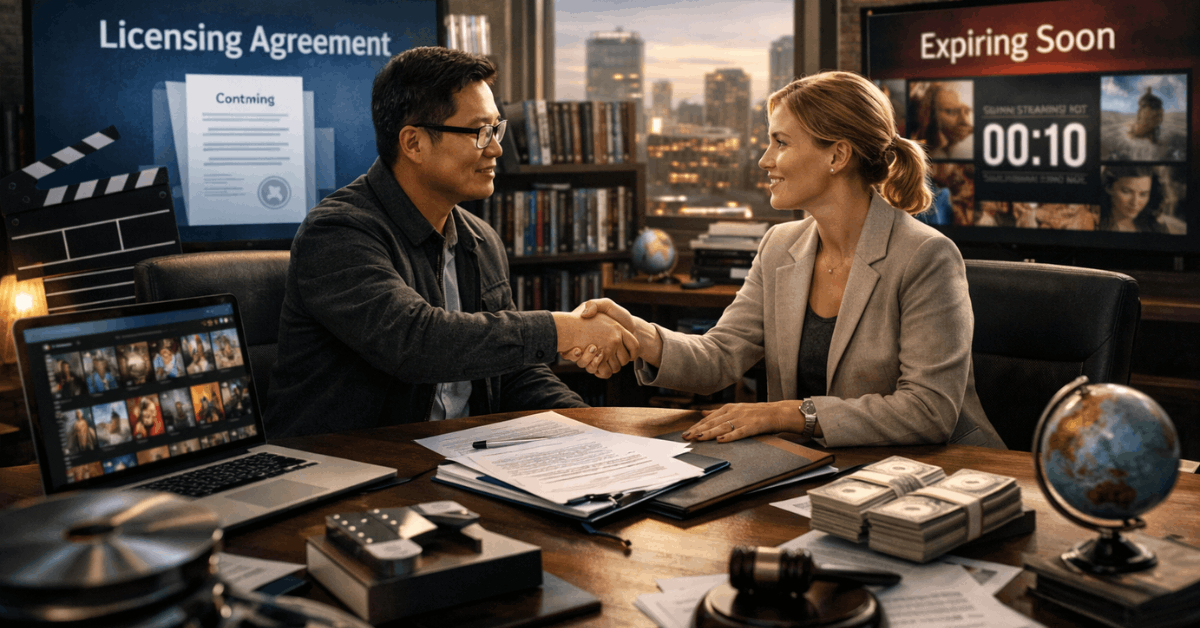
A studio can license one movie to different services in different countries. Netflix’s licensing guidance says some titles are available only in certain countries or for limited periods.
A broadcaster or rival service may hold rights where you live. That is why a popular film can be absent from your local catalog despite using the same platform as friends abroad.
Watchlists Cannot Hold A License
Saving a series does not reserve it for your account. When a license ends, a platform may renew it, lose it, or remove it during new negotiations.
Some apps show leaving notices, but not every departure is highlighted. Treat watchlist reminders and leaving dates as a reason to start a valued title sooner.
The Four Services Build Their Libraries In Different Ways
Netflix, Hulu, Disney+, and Prime Video do not assemble their catalogs through one system. Their models affect catalog stability, regional variety, and pre-play checks.
Netflix And Hulu Depend On Different Rights Windows
Netflix controls many widely released titles, yet it also licenses films and series market by market. That gives countries different mixes of local and global titles.
Hulu is tied to U.S. rights, and titles can expire when partner access ends. Both offer useful variety, but current availability matters more than a recommendation made elsewhere.
Disney+ And Prime Video Need Different Checks
Disney+ controls many Disney, Pixar, Marvel, and Star Wars titles, although older deals can still delay them or keep them elsewhere.
Prime Video combines included titles, rentals, purchases, and channels. Its Prime Video guide confirms that these access types can appear side by side.
Disney+ viewers should expect regional gaps, while Prime Video users should check the included label and final price.
Release Dates Do Not Always Travel At The Same Speed
A global trailer or social-media announcement does not ensure that a title arrives everywhere on one date. Release timing and local preparation can create gaps that seem unusual but are usually contractual.
Ratings, Dubs, And Local Deals Can Delay A Season
A platform may need subtitles, dubbing, artwork, rating approval, or promotion before a program launches locally. A broadcaster or cinema partner may also hold the first release window in that market.
These arrangements can expose viewers to spoilers even when a series is already available elsewhere. Check official release notes and regional app pages before planning a group watch.
Profiles Can Hide A Show That Is Actually Available
A title may be visible on one profile but hidden on another because of maturity settings or language preferences. Parents can also filter films and series from children’s profiles.
Before assuming that a service removed something, switch profiles and review content settings. This separates a profile restriction from a catalog problem.
Travel Can Change The App Without Changing Your Account
The account may stay the same across a border, but the service must follow rights in your new location. That can affect visible titles, downloads, and plan features while you travel.
A Different Country May Show A Different Library
When you open an app abroad, its rows and results may reflect that country’s library. Netflix and Disney+ both note that content can vary by location, so a program available at home may not appear on a trip.
Downloads can also stop playing when a title is not licensed where you are staying. Expect location-based changes and avoid building travel plans around one unverified title.
Download Before Travel, But Check It Again
Downloading eligible episodes before departure can help during flights or unreliable connections. It does not guarantee access forever because the title, location, plan, or download window may limit playback.
Check the app’s current message before leaving home and keep a second option ready. That reduces travel frustration and creates realistic expectations when catalogs change.
Check The Exact Title Before You Subscribe
Most subscription disappointment can be avoided with a brief review before payment. Focus on current availability and the real access route, not a claim that a service carries a famous franchise.
Search Inside The Official App For Your Country
Use the official app or website for the country where you will watch. Confirm that the exact title appears under the right profile and includes needed audio or subtitles.
Catalog tools can help with a first comparison, but they may lag behind removals or new arrivals. The platform gives the strongest current confirmation and plan-specific details.
Also Read: Streaming Platform Interfaces Explained