
A streaming app should help you find a good show before the evening disappears into scrolling. Netflix, Disney+, and Prime Video organize recommendations, profiles, searches, and payment choices differently.
That matters for people who watch after work, share a television, or need a quick family choice. This guide compares navigation choices that make one service feel calm and another demanding when time, devices, and family preferences compete.
Why Navigation Shapes the Time Before Playback?
A large catalog has little value when viewers cannot see where to begin or what their plan includes. Homepage design and clear next steps decide whether a search feels like entertainment or a small task.
Also read: How Streaming Services Handle Series Releases
The Homepage Reflects a Profile, Not the Whole Catalog
A homepage predicts the next click, not every title in the service. Repeated crime dramas may keep thrillers above documentaries, older films, international series, and unfamiliar comfort shows.
That saves time on a tired weeknight but can make the catalog feel smaller. Treat personalized rows as starting points, then use search or collections when the same suggestions keep returning.
Clear Access Labels Prevent Avoidable Dead Ends
Finding a title is only useful when you can tell whether it is included with your plan. Rental prompts and paid channels frustrate families after they already agree on a movie together.
This matters on platforms that combine streaming with a storefront. A useful interface makes the price path and the play option clear before the viewer invests time in a trailer.
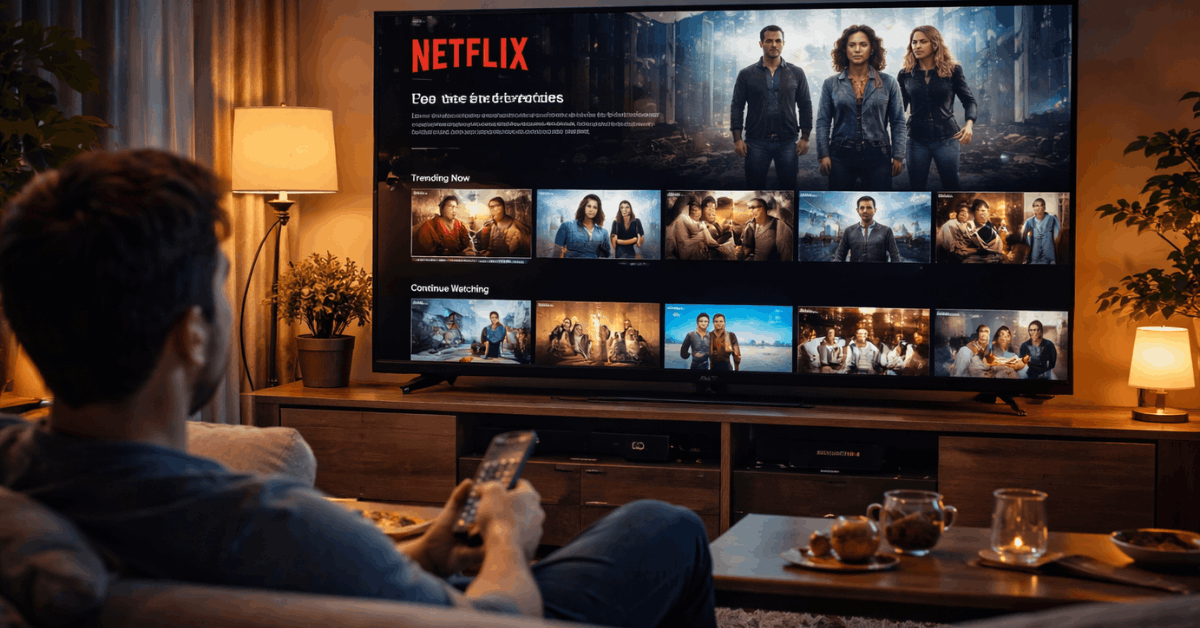
Netflix Helps Viewers Decide Quickly
Netflix favors quick continuation and frequent suggestions. Its profile approach and fast searches suit viewers who prefer momentum to deep sorting.
Profiles Keep Watching History More Useful
Netflix separates recommendations, history, and Continue Watching by profile. A sibling’s animation or parent’s thriller then need not dominate suggestions.
Its recommendations system uses what a profile watches and rates to tailor suggestions. For shared homes, those separate viewing signals and easy resuming can make the app feel useful across phones and televisions.
Specific Searches Can Break a Repetitive Feed
Netflix search works better with a precise clue than “comedy” or “action.” An actor, mood, language, decade, format, or story clue can reveal titles beyond the homepage.
Try “quiet drama,” “courtroom series,” or the name of a filmmaker when you know the feeling you want but not the title after work.
This kind of targeted search gives viewers more control without needing to understand hidden categories.
Disney+ Makes Shared Browsing Less Complicated
Disney+ begins with familiar brands and a narrower identity. It reduces decision fatigue and supports family viewing, but may feel less adventurous for adult drama fans.
Brand Hubs Offer an Easy First Step
Disney, Pixar, Marvel, Star Wars, and National Geographic provide clear routes into the library. A household can start in one collection instead of sorting unrelated prompts.
Collections can also gather shorts, specials, and connected stories a title search misses. This creates predictable browsing and franchise guidance for casual viewers who do not want to memorize a viewing order before a movie night.

Profile Settings Can Explain a Missing Title
A title may be available to one person but hidden from another because profiles can use content ratings and parental controls.
Disney+ explains that parents can manage ratings, Junior Mode, and profile protections through its parental-control settings.
Before assuming the service removed a film, switch to the correct profile and check its limits. That short step separates a profile restriction from a real catalog gap during shared family use.
Prime Video Offers Choice With More Reading
Prime Video offers films, series, add-on channels, and rentals in one place. That flexibility creates extra decisions and more label reading before playback.
A Search Result May Not Be Part of Prime
Prime Video can display a title that needs a rental, purchase, or separate subscription at the same time. Its help pages explain that add-ons are paid third-party options, not automatic Prime membership.
This makes it important to check whether the screen says Included with Prime, rent, buy, or channel before pressing play. Reading access labels and payment prompts protects a movie night from an unexpected cost.
Search Works Best With a Plan
Search by actor, director, studio, or year instead of depending on the home screen. A browser can make typing, comparing labels, and scanning results easier than a remote.
The interface may reward patient browsing, but it can feel cluttered for someone who only wants one included film. Use specific search terms and saved lists to reduce the number of options you need to inspect before a weekend choice.
Use a Short Test Before You Settle on a Service
The right service depends on the small frustrations you want to avoid, not a universal ranking. A brief real-life test can show whether a platform suits your household better than a feature list.
Test the App With Your Usual Evening
Open the app you use most, then search for two titles your household genuinely wants. Change subtitles, switch profiles, resume a show, and check whether one movie is included. Notice any extra menus or uncertainty about cost.
These ordinary tasks reveal practical friction much faster than a polished plan comparison on a real night at home.
Keep Your Choice Based on Daily Use
Base the choice on problems that repeat each week. Use this viewing check before committing to a plan. It focuses on time-wasting moments, not impressive features that rarely matter:
- Browse: Can everyone find a starting point quickly?
- Share: Do profiles keep tastes and age settings separate?
- Pay: Are included titles clearly distinct from paid extras?
Conclusion: Pick the Service That Lets You Press Play Sooner
Netflix may suit homes wanting fast recommendations and easy profile continuation for the whole household. Disney+ can feel calmer for family routines, while Prime Video rewards careful label reading.
Before subscribing, test search, profiles, and playback with titles you want. Choose the one that reduces everyday friction and gets you watching sooner.








