A movie can look sharp one night and soft the next, even with the same setup. Streaming quality, picture stability, and clear sound depend on several systems working together.
This guide explains why detail, motion, color, and dialogue can change during playback. It also shows what to check before replacing equipment or blaming the service.
A Quality Badge Does Not Tell the Whole Story
A 4K or HDR label describes what a title can support, not what your screen receives. Resolution, bitrate, and device support must all align for the image to look right.
Resolution Shows Detail, But Bitrate Holds It Together
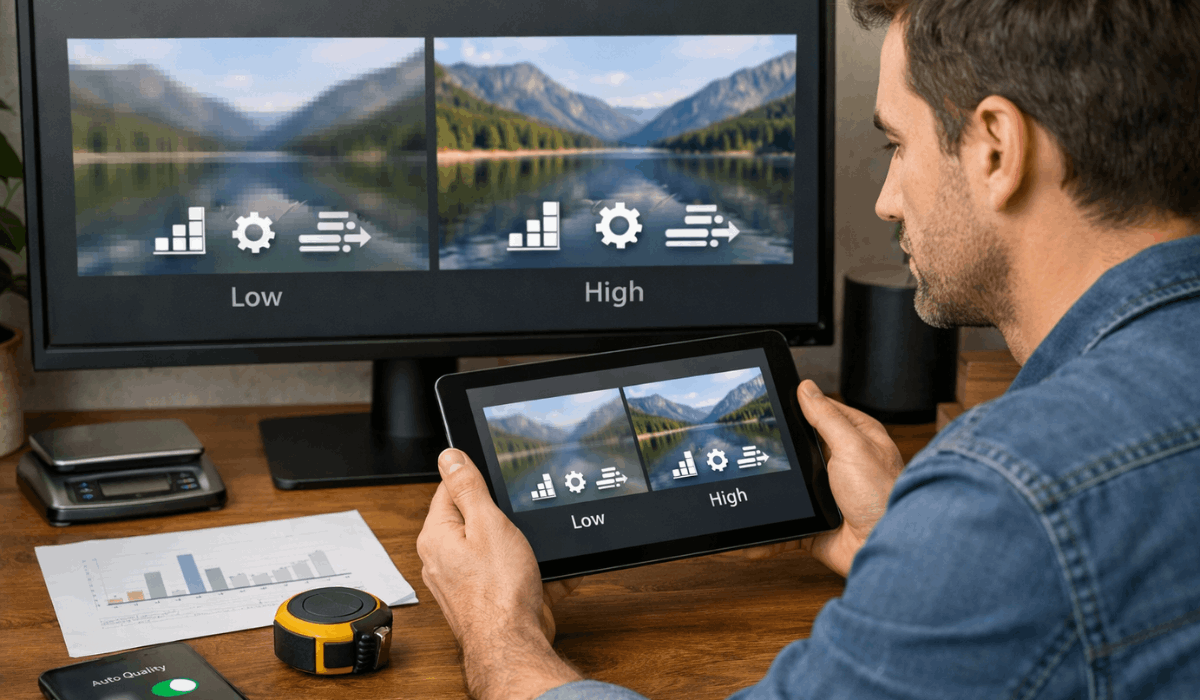
Resolution describes how many pixels build the image, so 4K can show more detail on a suitable screen. Bitrate controls how much picture information arrives each second.
When it falls, faces soften and dark scenes can show blocks or bands despite a 4K label. Heavy compression is easiest to see in smoke, rain, shadows, and rapid movement.
HDR and Motion Depend on the Screen and Title
HDR can improve contrast and color, but the title, plan, device, cable path, and television must support the same format. A limited display can make HDR look dull because it cannot reproduce the intended brightness.
Motion may also look strange when a television adds smoothing or the app struggles during action scenes. Check the title badge and picture mode before blaming the screen or service.
Connection Stability Changes Quality During Playback
Internet speed matters, but stability matters more than a speed-test peak. Connection stability and adaptive streaming explain why the same film can change quality halfway through.
Adaptive Streaming Trades Detail for Continuity
Streaming apps lower quality when the connection weakens to avoid buffering. Adaptive streaming protects the session but may reduce bitrate before any warning appears.
Netflix recommends stable speeds of at least 3 Mbps for 720p, 5 Mbps for 1080p, and 15 Mbps for 4K. Its speed guidance is a useful baseline, but stability during playback matters more than a brief peak.
Network Crowding Creates Evening-Only Problems
Quality can fall at night when other devices stream, game, call, or download. A distant router or thick wall can weaken Wi-Fi placement even when the plan itself is fast.
Pause large downloads, test closer to the router, or use Ethernet for an important film. A wired connection will not solve every issue, but it can rule out network crowding before buying equipment.
Plans, Devices, and Apps Can Cap Playback
Your subscription may support a higher tier than your television, stick, browser, or cable can deliver. Plan limits, device compatibility, and app updates all affect the final picture and sound.
A title can offer 4K, HDR, or surround sound while the current plan allows less. Check the plan, then confirm the television and device support that output.
Disney+ notes 4K, HDR10, and Dolby Vision vary by model and display hardware. Its video-quality guidance explains why a plan entitlement alone does not guarantee the highest picture or audio format.
Browsers, Cables, and Older Hardware Matter
A browser can cap video below what the same account receives through a TV app or streaming device. Old sticks, outdated television software, or the wrong HDMI standard can block higher formats.
Compare the same title on another device before assuming a platform-wide issue. That test can expose browser limits, a weak HDMI chain, or outdated software without changing your subscription.
Audio Can Make a Sharp Picture Feel Weak
A clear image feels weak when dialogue is buried beneath effects. Dialogue clarity and audio output deserve their own checks before you raise the volume.
Start With the Output and Dialogue Setting
Built-in television speakers can make voices softer than music in larger rooms. Try dialogue mode, a speech setting, or a soundbar option that lifts voices.
Confirm that the app is sending an audio track your device can handle rather than forcing unsupported surround sound. Better speaker balance can improve a familiar show without any change to the stream.
Surround Sound Needs a Complete Compatible Chain
Dolby Atmos and other surround formats need support from the app, plan, title, device, television, and sound system. One weak link can make the setup fall back to stereo, which is not automatically a fault.
Check the selected audio track and the soundbar’s input display before assuming a premium badge guarantees immersion. A compatible chain matters more than a single surround label on the title page.
A Short Troubleshooting Order Saves Time
Replacing a television or internet plan first can waste money when a setting or busy network is the real problem. Start with simple checks before making expensive changes.
Start With the Quick Checks
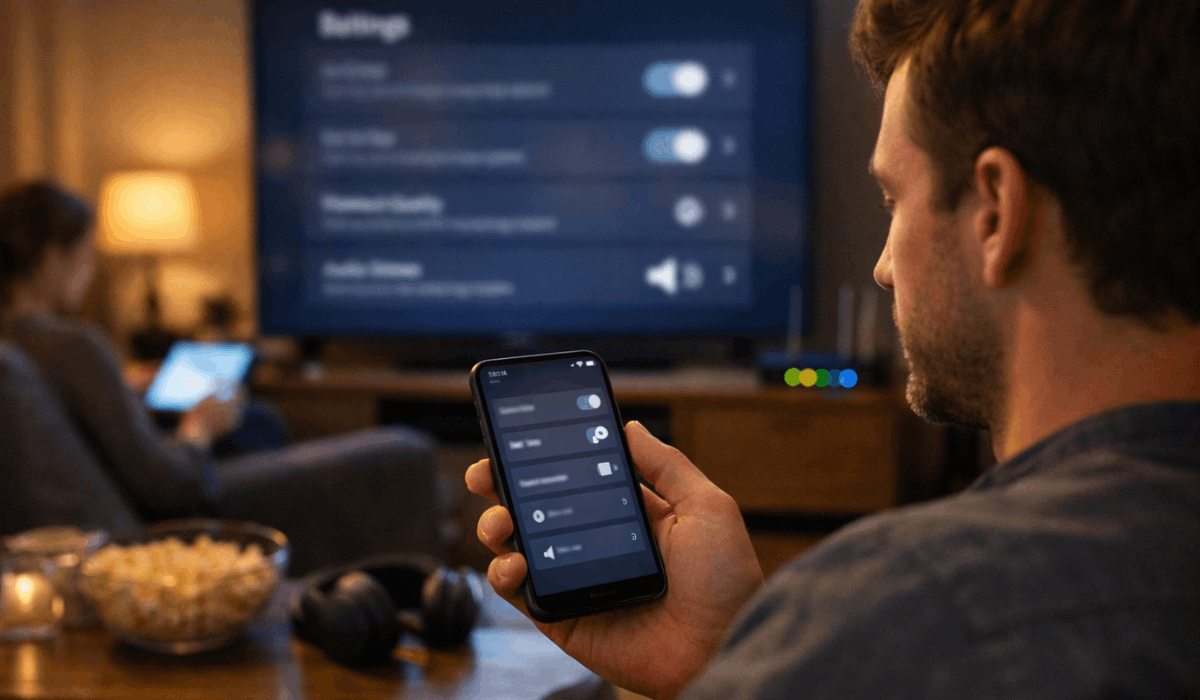
Test a second title because older releases may not have the same source quality. Check whether data saver, low-quality playback, or battery-saving settings are active.
Then close and reopen the app after stopping other heavy internet use. Run this three-step check before calling an internet provider:
Settings: Turn off low-data modes.
Network: Pause downloads and retest.
Device: Update the app and restart it.
Know When the Limitation Is Not Yours
If every device works well except one title, the limitation may come from its source, encoding, or regional version.
Older films, live events, and dark productions can expose platform encoding differences more than bright new releases.
A service may also limit resolution, HDR, or audio by country, browser, or plan. These regional limits and title-specific differences are frustrating, but they are not always fixable at home.
Conclusion: Better Quality Comes From the Whole Setup
Better streaming comes from matching the platform, plan, device, connection, and settings rather than chasing one magic upgrade.
Test another title, reduce network crowding, and confirm the active video and audio options before spending money. Upgrade hardware or internet only after you identify which part of the whole setup limits playback.
That approach makes the next viewing session easier to diagnose and less likely to end in unnecessary spending.