
Streaming has changed how families enjoy movies and TV, making it easier than ever to find something everyone wants to watch.
Whether your kids love cartoons, teens want thrillers, or you’re hunting for a relaxing weekend movie, there’s a streaming platform to match. But with so many options, figuring out where to start can feel overwhelming.
This guide is for families who want to confidently pick the right streaming services—and make each movie night magical. We’ll outline top streaming platforms , how they differ, and what you should keep in mind to choose the best, safest options for your household.
What Are Streaming Platforms?
Streaming platforms are online services letting you watch movies, shows, and other videos on demand , without waiting for downloads. Think of them as modern TV, with vast libraries and content for all ages, ready at your fingertips.
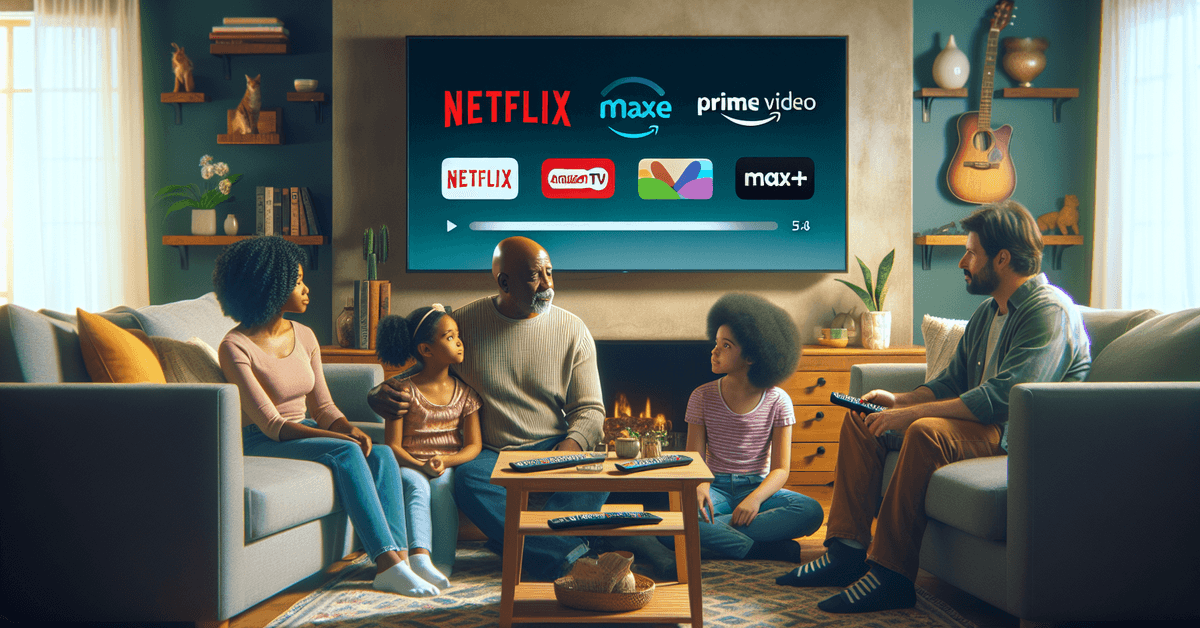
Why Streaming Matters for Families
Choice and Flexibility
Perhaps the biggest benefit? Freedom. You can watch what you want, when you want, and on nearly any device. No more fighting over the TV guide or recorded shows—everyone can find something to enjoy.
Parental Controls and Safety
Most big platforms include parental controls to block mature content. This makes things much easier for parents looking to create a safer, age-appropriate experience.

Family-Friendly Content
Many services now curate kids sections , including classics, new releases, and educational shows. This ensures plenty of fresh, appropriate options for family viewing.
Top Streaming Platforms for Families
Let’s break down the leading contenders. Each offers unique strengths—plus some weaknesses you might not expect. Here’s a quick overview:
| Platform | Best For | Monthly Cost (Approx.) |
|---|---|---|
| Netflix | Diverse content for all ages | $6.99–$19.99 |
| Disney+ | Animated, Marvel, Disney classics | $7.99 |
| Amazon Prime Video | Mix of originals, rentals | $8.99 |
| Apple TV+ | Curated originals | $6.99 |
| HBO Max/Max | Blockbusters, family shows | $9.99 |
| Hulu | Series, next-day TV, kids’ content | $7.99 |
(Prices may vary. Always check official sites for current rates: Netflix, Disney+, Amazon Prime Video, Apple TV+, Max, Hulu.)
Platform Key Features: A Closer Look
Netflix
Netflix is famous for its massive variety. It’s rare not to find something for every family member. Parental controls are solid, and its kids’ mode is simple to use. But, sometimes popular movies rotate in and out, which can be frustrating.
Disney+
Perfect for families with younger kids (or, honestly, the young at heart). Disney+ is strong on classic animation , Pixar, Marvel, and Star Wars. The interface is easy and there’s very little questionable content, though older teens might find the variety lacking.
Amazon Prime Video
Amazon Prime Video blends included titles with pay-per-view options. Its family selection is decent but finding kid-safe titles can sometimes require a little digging. On the plus side, if you already have Amazon Prime, this is a great value.
Apple TV+
Apple TV+ focuses on originals —its library is smaller, but quite curated, with many shows made for or starring kids and families. Parental controls are linked to the Apple ecosystem, so setup is usually easy if you own Apple devices.
HBO Max / Max
Home to some of the biggest blockbusters and series, Max (formerly HBO Max) offers a decent range of family shows from Warner Bros. There are options for all ages, though some parental controls take a bit of set-up.
Hulu
Hulu combines next-day TV, original shows, and a kids’ section. You’ll find more current TV than some rivals, and add-ons like Disney bundles make it cost-effective for broader needs.
Setting up Parental Controls and Profiles
It’s natural to worry about what your kids might stumble upon. Happily, most services now make setting age limits straightforward. Here’s how to get started:
- Create Kids Profiles: On platforms like Netflix and Disney+, set up special profiles just for kids.
- Adjust Content Ratings: Use parental settings to filter by age, hiding mature titles automatically.
- Set Viewing Limits: Some platforms let you enforce viewing time limits or block playback of certain content after hours.
Comparing Platforms: What Really Matters?
At first, the choices all seem similar. But small differences matter, especially for family use. Here are key factors to consider before subscribing:
- Content Library: Does the platform offer the titles your family loves?
- Device Support: Make sure the app works on your TVs, tablets, and phones.
- Download Options: Handy for trips or limiting kids’ screen time.
- Ad-Free vs. With Ads: Some plans are cheaper with ads—think if that suits your family.
Tips for Safe and Enjoyable Family Viewing
- Periodically update your parental controls and check watch histories.
- Consider making a family watchlist to avoid disputes or endless scrolling.
- Look for educational or conversation-starting shows—streaming is a chance to learn together, too.
- Rotate “movie night” pickers to give everyone a say.
Internal and External Resource Suggestions
Want advice on show recommendations or understanding age ratings? Check out our episode guides or recent top family movie lists . For more info on official parental features, see the Netflix Help Center or Disney+ Support.
Visual Aids and Engagement Boosters
- Table: Compare pricing or kid-safety features side-by-side for quick decisions.
- Family Movie Calendar: Suggest keeping a shared calendar (physical or digital) to plan special viewings.
- Screenshots: Show how to set up a kid’s profile (platform-specific step-by-step guides can help the less tech-savvy).
Conclusion: Finding the Right Fit for Your Family
Picking a streaming platform isn’t just about money—it’s about quality time, discovery, and a little peace of mind. Each service has strengths, so weigh content, cost, and controls for your family’s unique needs. Happy streaming!
Ready to dive in? Pick your preferred platform, set up kid-friendly profiles, and transform your living room into a movie theater tonight! And for more guides, don’t miss our detailed streaming platform reviews and content explainers.








