
Streaming platforms constantly update their libraries, which means some shows or movies eventually disappear.
Many viewers are left wondering what happens when content leaves a platform they use regularly.
This article explains why content vanishes and how you can stay ahead of those changes. It also helps you track removals and find where content might go next.
Why Streaming Services Remove Content?
Streaming platforms don’t keep all content forever. Their libraries change due to deals, performance, or business strategies.
Licensing Expirations and Content Ownership
Most streaming content is licensed, not owned. Platforms like Netflix lease third-party shows for a limited time.
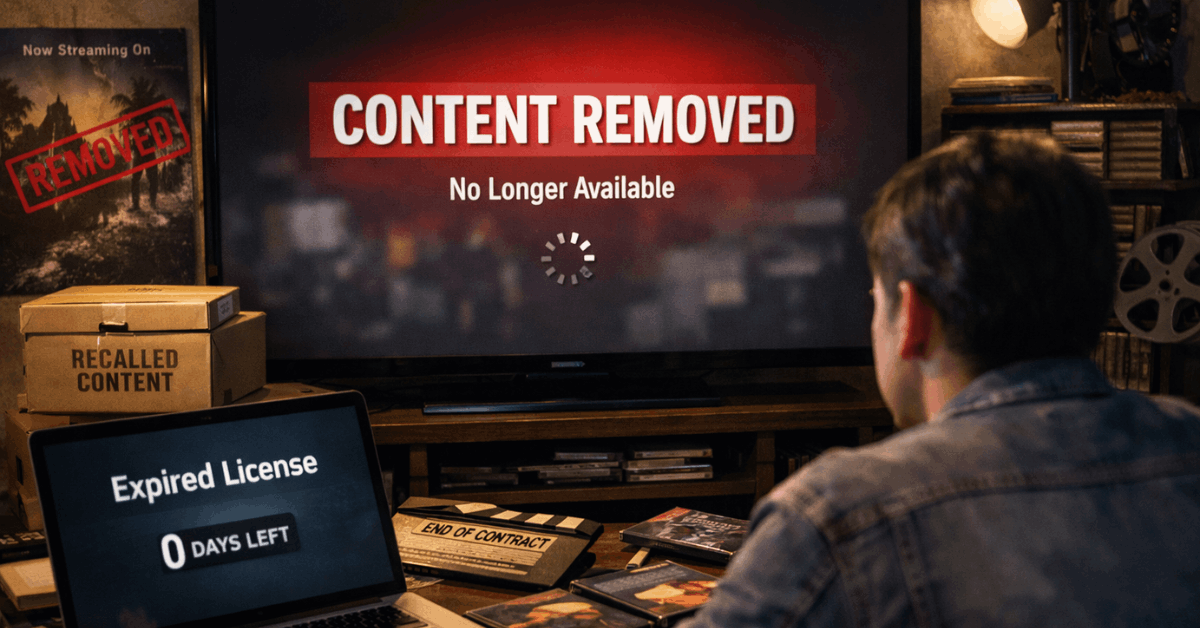
If that license ends and is not renewed, the content must be pulled. Studios may reclaim content to host it on their own platforms.
Content Rotation and Performance Metrics
Streaming platforms rotate titles to keep catalogs fresh. Low-performing shows are often removed to make space.
Internal viewing data drives these decisions. This practice also reduces costs for unused content.
Netflix: Monthly Removals and User Frustration
Netflix removes many titles each month, often alerting users a few days before. Most of these are licensed shows or films.
Why Netflix Titles Disappear Frequently?
Netflix’s diverse catalog relies heavily on licensing agreements. These licenses expire on a monthly or quarterly basis.
Some removals are temporary, others are permanent. Titles marked as “Last day to watch” are set to leave soon.
What You Can Do About Netflix Removals?
Check expiration alerts on Netflix or use external trackers. Prioritize finishing shows that are leaving soon.
Look for the title on Google Play, iTunes, or Prime Video afterward. Consider downloading episodes before the deadline.
Disney+: Originals, Vault Strategy, and Unexpected Cuts
Even though Disney owns most of its content, removals still happen. Some decisions shock users when even originals disappear.
Disney+ Pulls Original Shows Too
Disney has quietly removed some of its original series. These include titles made exclusively for the platform.
Reasons include budget cuts or content write-offs. Many removed shows don’t appear anywhere else afterward.
Regional Licensing Can Affect Access
Not all Disney content is available worldwide. Some regions have older licensing deals in place.
This causes certain shows to leave temporarily or appear late. Access often depends on distribution rights per country.
Prime Video: Rotating Catalog and Confusing Access Models
Amazon mixes free and paid content, often confusing users about what’s leaving. The rotation can feel random.
Included vs. Rental Titles on Prime Video
Titles “included with Prime” are often rotated. Once removed, they become rental-only or disappear completely.
There is no fixed expiration list. Users must check manually for availability changes.
Different Regions, Different Catalogs
Prime Video’s content varies by country. Some removals in the U.S. won’t affect other regions.
Licensing terms differ across territories. You may need a VPN to access content from another region (check legality first).
How to Track Content Before It Leaves?
You don’t need to be surprised when your favorite show disappears. Tools and habits help you stay updated.
Use Apps and Websites That Track Removals
Sites like JustWatch, Reelgood, and WhatsOnNetflix show what’s leaving soon. They update their lists daily or monthly.
These trackers also show where to watch the title next. Use them to prioritize your viewing list.
Enable Alerts and Read Platform Blogs
Netflix and Disney+ sometimes post updates on official blogs. Some fan forums and subreddits do the same.
You can also set Google Alerts for keywords like “leaving Prime Video.” Early warnings give you time to plan.
Where to Watch Removed Shows and Movies?
After removal, a title usually ends up somewhere else. But timing and availability vary.
Search Legal Streaming Alternatives
Use JustWatch or StreamLocator to find where content moved. Shows often land on platforms owned by the studio.
For example, HBO content may move from Prime to Max. Timelines vary—some shifts are instant, others take months.
Buy or Rent the Title Online
Google Play, iTunes, and YouTube often carry recently removed titles. You can rent them or purchase permanently.
If digital options fail, check physical DVD sellers. Libraries and second-hand shops can also help.
Avoiding Mid-Watch Frustration From Content Removals
Two key actions reduce frustration: stay informed and download in advance.
Finish Expiring Shows First
If you see “Last day to watch,” finish the show immediately. Don’t start new series that are flagged for removal.
Keep a list of priorities based on expiration. Some apps let you create watchlists with alerts.
Use Offline Downloads When Possible
Netflix and Disney+ allow you to download episodes for offline viewing. Downloads stay valid even after content is removed—but only until your subscription ends.
Use this to finish shows while traveling or offline. Make sure your app is updated and supports the feature.
What Viewers Can Learn From Content Disappearing?
Streaming isn’t permanent. Content removals shift how users view digital ownership.
Subscribers Are Not Owners
Having access doesn’t mean owning the content. A subscription gives temporary access, not long-term control.
When content leaves, you can’t reclaim it. Consider buying favorite titles for permanent viewing.
Viewer Trust Depends on Transparency
Sudden removals break viewer trust. Users prefer clear timelines and warnings. Transparent platforms keep users loyal. Those that quietly pull content face backlash.
When Shows Disappear, Take Action?
You don’t have to lose access forever. Learn what options you have.
Make a Backup Viewing Plan
Check alternative platforms early. Save titles to a personal tracker. Set reminders for last-day alerts. Make use of DVD sales if digital copies are unavailable.
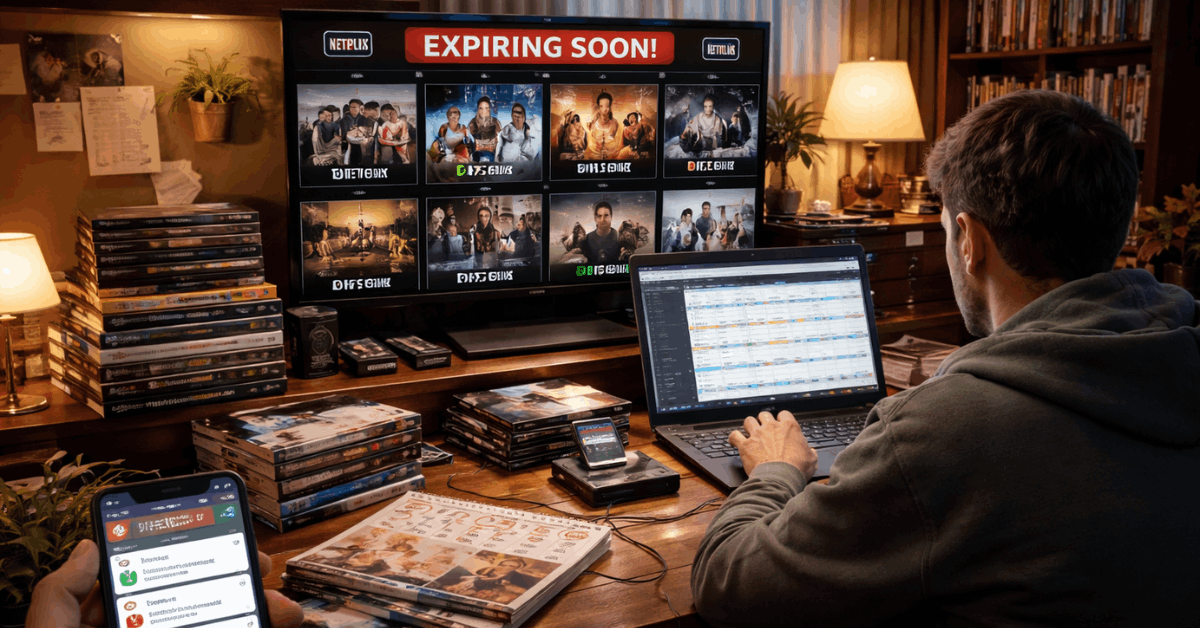
Consider Permanent Access Options
If a show is important, buy it. Physical or digital ownership ensures long-term viewing. Rentals are cheap but temporary. For long series, full-season purchases may be cost-effective.
Keep Access in Your Hands
Streaming services shift their libraries often, and you may not always be warned. Knowing what happens when content leaves a platform helps you plan smarter and avoid interruptions.
You can take control by tracking removals, downloading episodes early, or switching to other sources. Protect your access to favorite shows with a viewing strategy that doesn’t rely on luck.








