Streaming platforms offer vast content libraries, but much of it stays hidden unless you know how to search. Many users only browse what appears on the homepage, missing deeper options.
How to Find Hidden Content on Streaming Services is a question that deserves specific, actionable answers. This guide focuses on discovery tools and navigation tips for Netflix, Disney+, and Prime Video.
What Streaming Services Don’t Show You?
Most platforms use personalized algorithms that limit what you see. These systems prioritize repeated genres, trending shows, and familiar themes.
You rarely see complete catalogs. Entire categories disappear from view once you stop watching related content.
Foreign-language series, indie films, and classic animations often get buried. Unless you change your search strategy, they stay hidden.
Unlocking Netflix’s Secret Categories and Features
Netflix has one of the deepest catalogs, but it’s mostly organized behind the scenes. You’ll need to take control of how you explore it.
Use Genre Codes to Open Hidden Sections
Netflix organizes its library using numeric genre codes. These codes reveal specific categories like “Understated Comedies” or “Psychological Thrillers.”
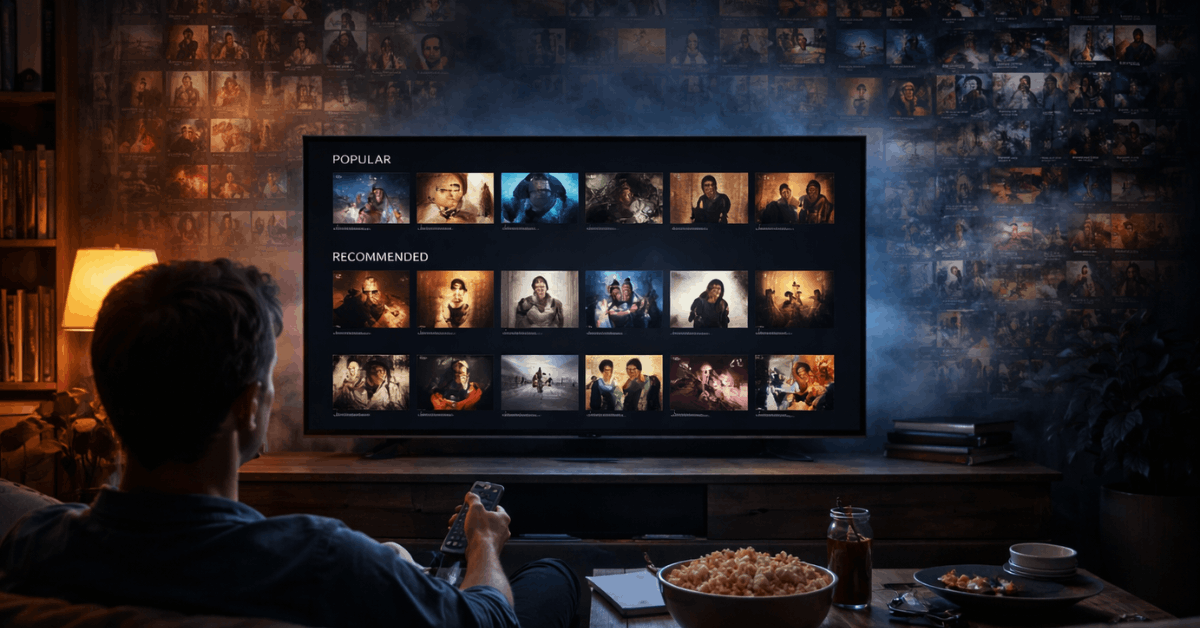
You can enter them into a direct URL like netflix.com/browse/genre/xxx to access them instantly. Lists of these codes are available on fan sites and tools like uNoGS.
Region Tricks and Language Filters
VPNs allow you to access region-specific Netflix libraries. Each country has unique licensing deals that unlock exclusive content.
You can also change the audio or subtitle settings to get foreign content recommendations. These changes influence what Netflix suggests on your home feed.
Finding Hidden Series and Originals on Disney+
Disney+ emphasizes major franchises, but much of its catalog remains unlisted unless you search deeper. You need to explore collections and filters manually.
Browse by Franchise Timelines and Vault Content
Disney+ has structured timelines for Marvel, Star Wars, and Pixar content. These collections are usually listed under the “Search” tab, not the homepage.
You’ll also find rare classics and animated shorts grouped under hidden “vault” categories. This method works better on a desktop or tablet than on a mobile.
Language and Profile Workarounds
By changing your profile’s language settings, you can trigger new recommendations. This trick often unlocks content from international branches of Disney.
European originals, regional dubs, and international animations appear more often. You can switch back after adding items to your watchlist.
Prime Video’s Hidden Search Strengths
Prime Video’s design hides more than it reveals. But with direct filters and URL tricks, you can take control of its search behavior.
Access Category Pages and Filter by Actor or Studio
Prime lets you build complex searches using keywords, genres, and release years. You can also find category URLs that don’t appear in the app.
Searching for actors or specific studios often reveals older or unlisted titles. These filters are better accessed through a browser, not the app.
Switch Countries and Language Filters
If you have a global Amazon account, switching between marketplaces (e.g., US, UK, IN) gives access to new Prime libraries. Titles vary by region due to licensing differences.
Filtering by subtitles or audio language also helps uncover foreign and hidden content. Combine these tricks to reach segments the homepage ignores.
Tools That Help You Search Smarter
Some websites and browser extensions make it easier to reveal what streaming platforms hide. These tools are free or low-cost.
Third-Party Sites for Deep Discovery
Sites like JustWatch, uNoGS, and Flixable track content across regions. They allow you to filter by service, genre, year, and language.
You can even check what’s new, what’s leaving, and what’s most watched by others. These tools simplify exploration, especially for international titles.
Extensions That Show Ratings and Hidden Info
Browser tools like Trim, RateFlix, or Enhancer for Netflix let you see IMDb ratings and trailer links on Netflix. Some also highlight category tags or flag hidden metadata.
These help you assess whether a show is worth watching before clicking. They are useful for power users who want speed and control.
Quick Section — Navigating Within the Platform
These tips focus on platform behavior. You can unlock extra content with subtle tricks during regular use.
Netflix Watchlists and Exit Behavior
- Rewatching older content resets Netflix’s suggestion model.
- Adding random titles to your list broadens algorithm exposure.
- Skipping intros and credits too often can lead to narrowed genres.
- Let episodes finish completely to trigger “similar to this” suggestions.
Disney+ Shortlists and Collection Tags
Disney+ tags collections with franchise-specific metadata.
- Searching for side characters often reveals spin-offs and shorts.
- Watchlists push related shows from the same studio or region.
- Pausing mid-series often adds similar content to “Continue Watching.”
Advanced Platform Navigation Explained
Some features are not obvious but help you bypass limited feeds. Learning to navigate better helps uncover what matters.
Episode Order and Chronology Options
Platforms sometimes present shows in release order, not story order. Disney+ now includes Marvel and Star Wars timeline views to fix this.
You can also Google “chronological order” for key franchises and match manually. This helps when binge-watching long series.
Alternate Cuts and Bonus Sections
Netflix includes interactive specials like Bandersnatch, while Prime offers bonus content like deleted scenes. These don’t always appear in your main search.
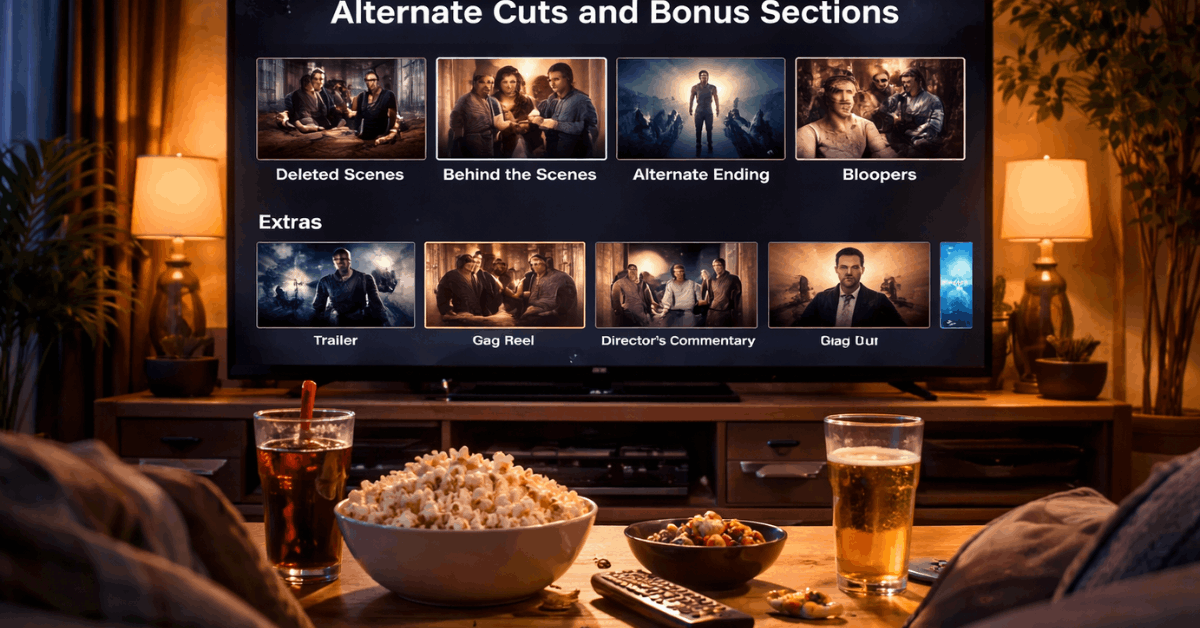
Try visiting the title’s detail page, then scroll to the extras tab or press right on your remote. You’ll find trailers, behind-the-scenes, and alternative versions.
Extra Tip: Content Hidden by User Habits
Your behavior impacts what platforms choose to show or hide. This effect builds over time. Avoid skipping genres you’re curious about too quickly. Try watching one episode or adding to your list.
This teaches the algorithm that you’re open to varied suggestions. Even small adjustments lead to broader recommendations.
Ready to Explore Beyond the Obvious?
You now know how to find hidden content on streaming services across Netflix, Disney+, and Prime Video. These platforms offer far more than their homepages suggest.
From genre codes to international switches, small tricks lead to better discovery. Start applying these now to unlock more of what’s available.