
Streaming changes your viewing habits by shaping what you notice, what you skip, and how long you stay watching.
Features like recommendations, autoplay, and promoted rows can quietly steer your choices and build routines that feel automatic.
This guide breaks down the platform mechanics behind those patterns so you can watch more intentionally.
Why Streaming Changes How You Choose What to Watch
Streaming changes how you choose because the home screen decides what you see first, making options feel endless.
Recommendations and interface shortcuts reduce search effort, so you often pick what is easiest to start, not what you planned.
- Endless catalog effect — Too many choices can slow decision-making and push you toward familiar picks.
- Homepage ranking — The top rows and first tiles get most clicks because they require the least effort.
- Personalized suggestions — Your past watches shape what appears, so your next options narrow over time.
- Autoplay previews and prompts — Fast previews and instant “play” buttons make you decide quickly.
- Search and filters vs. browsing — Browsing rows favors platform picks, while search favors your intent.
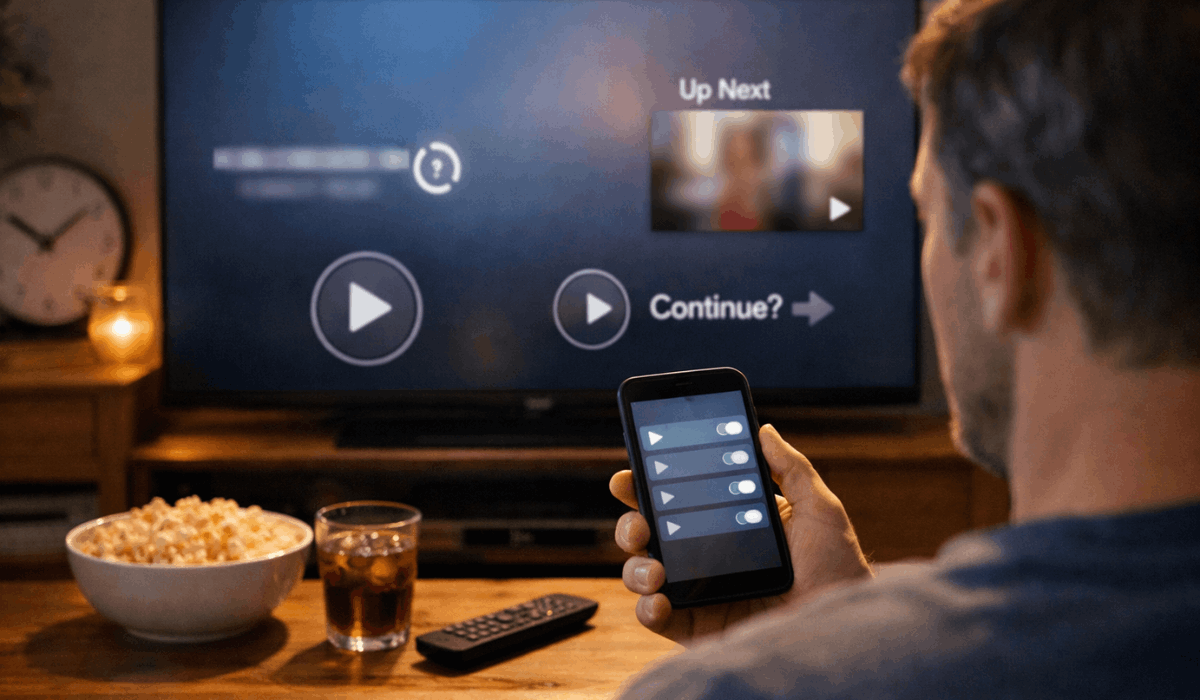
Features That Push Longer Sessions
Streaming sessions get longer because the platform removes stopping points and makes the next step effortless.
When you do not have to decide, you keep watching by default.
- Autoplay next episode — Starts the next episode quickly, so you do not pause to decide.
- “Continue Watching” row — Puts unfinished titles front and center to pull you back in.
- Cliffhanger pacing — Episodes end with open loops that are designed to trigger “just one more.”
- Skip intro and skip recap — Cuts friction and speeds up progress, which reduces natural breaks.
- Binge-friendly UI — Full-screen players, minimal menus, and instant “play” prompts keep you inside the loop.
Recommendations That Shape Your Taste Over Time
Recommendations shape your taste because you keep seeing the same kinds of titles, so those become your default picks.
Over time, the platform can narrow your options without you noticing.
- History-based learning — What you finish, rewatch, or abandon changes what gets recommended next.
- Engagement signals — Likes, searches, watch time, and skips tell the system what to prioritize for you.
- Reinforced patterns — Watching one genre often leads to more of that genre, which strengthens the habit.
- Reduced discovery range — Niche or new genres can disappear from your home screen if you rarely click them.
- Feedback loop effect — You choose from what you are shown, and what you are shown depends on what you choose.
Episode Guides and Release Models Change Your Routine
Episode guides and release models change your routine because they decide how you pace a series and when you feel “caught up.”
When the schedule and the watch order are clear, you plan viewing more like a habit.
- Weekly drops — You watch in smaller chunks, talk about episodes longer, and face fewer binge marathons.
- Full-season releases — You can finish fast, which raises binge risk and shortens the time a show stays in your rotation.
- Chronological order tools — Timelines, prequels, and spin-offs push you to follow a specific sequence instead of release order.
- Recaps and “previously on” — These reduce the need to rewatch, so you keep moving forward even after gaps.
- Episode guides and watchlists — Checklists, “next episode” cues, and curated orders make your next pick feel pre-decided.
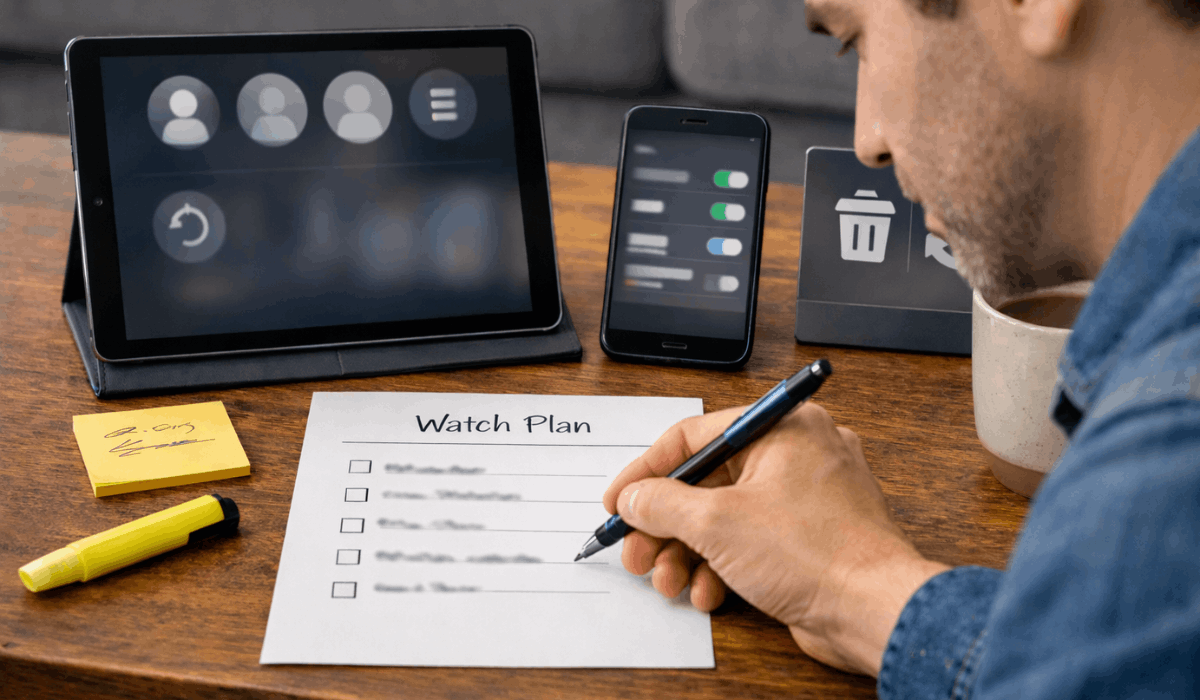
Multi-Device Watching Changes Attention
Switching between phones, tablets, laptops, and TVs shifts your attention because each screen encourages a different pace and focus level.
When you switch devices, you also change how you multitask and what details you notice.
- Mobile short sessions — Phone viewing fits small time slots, so you pause more and absorb less per session.
- Background watching on laptops — A second window or tab makes shows easier to treat as noise while you do other tasks.
- TV-focused viewing — Bigger screens and shared spaces tend to increase immersion and reduce skipping.
- Second-screen habits — Using your phone while watching cuts recall and can make you miss plot details.
- Device-based feature differences — Downloads, quality limits, and controls vary by device, which changes how you watch in practice.
Social Viewing Looks Different Now
Social viewing looks different now because streaming lets people watch at different times, but social media keeps the conversation going.
That mix can change what you start, how fast you watch, and what you avoid.
- Spoiler pressure — You speed up viewing to avoid getting the ending spoiled online.
- Trend-driven picking — Viral clips and memes push you to try titles you did not plan to watch.
- Asynchronous discussions — Friends watch on different schedules, so you rely on episode guides to stay aligned.
- Watch parties and shared sessions — Sync tools and group chats recreate “live” viewing in a different format.
- Shared accounts and mixed profiles — Multiple viewers can skew recommendations and change what gets suggested to everyone.
Platform Design Affects When You Stop Paying Attention
Platform design affects when you stop paying attention because it controls your breaks, your reminders, and what appears next.
When the interface keeps offering easy next steps, you are less likely to pause and reset.
- Reduced stopping points — Full-screen playback and quick countdowns limit the moment when you decide to stop.
- Persistent “Up Next” prompts — On-screen tiles and timers keep you thinking about the next episode before the current one ends.
- Notifications and reminders — Alerts pull you back in when you are not actively planning to watch.
- Homepage re-entry loops — “Continue Watching” and “Because you watched” rows restart attention without a fresh choice.
- Short, constant browsing paths — Endless scroll, auto-playing previews, and stacked rows keep you engaged even when you are undecided.
Ad Tiers and Interface Ads Change What You Watch
Ad tiers and interface ads change what you watch because they add interruptions and spotlight specific titles more often.
When promotions sit on your home screen, they can steer your choices before you even search.
- Promoted rows and tiles — Sponsored placement makes certain shows easier to start than others.
- Ad breaks affect pacing — Interruptions can increase drop-off or push you to choose shorter, lighter content.
- Repeated ad exposure — Seeing the same trailer or promo multiple times can nudge you into trying that title.
- “Upgrade” prompts — Messages about fewer ads can change how long you watch or when you pause.
- Different discovery paths on ad plans — Some interfaces prioritize ad-friendly content blocks, which shifts what you notice first.
What You Can Do to Watch More Intentionally
You can watch more intentionally by changing a few settings and by setting simple limits before you press play.
Small choices keep the platform aligned with your plan rather than pulling you into its default loop.
- Turn off autoplay — Remove the automatic push into the next episode and create a real stop point.
- Use separate profiles — Keep recommendations accurate and avoid mixed signals from shared viewing.
- Clean up your watch history — Remove accidental watches, reset history when needed, and avoid training the algorithm on noise.
- Control notifications — Disable non-essential alerts so the app stops calling you back during the day.
- Pick a plan before you browse — Use a watchlist, an episode cap, or a viewing order guide to stay on track.
Final Section: Key Takeaways
Streaming shapes your viewing habits through recommendations, autoplay, release schedules, and interface design that reduce interruptions and guide discovery.
You can take control by adjusting key settings, using clear watch plans, and choosing guides that match how you want to watch.
Use our episode guides, chronological orders, and ending explanations to pick smarter and stay on track with your next series.








