Protect Mobile Data and Offline Viewing
Mobile settings matter most when you leave home Wi-Fi behind. Data controls and download choices protect both your plan and the episodes you expect to watch away from home.
Set a Clear Rule for Mobile Playback
Choose whether the app may stream at high quality over mobile data or only over Wi-Fi. A data-saving option can look softer, but it may suit a phone screen or limited plan. Disney+ notes that changing data-use settings also changes video quality.
That makes Wi-Fi-only playback and data-saver mode useful when a limited allowance matters more than sharpness.
Prepare Downloads Before You Need Them
Downloads work best when checked before a flight, train ride, or hotel stay. Review quality, subtitles, storage, and whether the title finished downloading rather than assuming it will work later.
Higher quality uses more space, while standard may be enough on a phone. This creates reliable offline viewing and fewer travel surprises when a weak signal would interrupt an episode.
Keep Profiles, Privacy, and Subtitles Personal
A shared account works better when it reflects separate people instead of one mixed household history. Individual profiles and personal controls shape what appears, what resumes, and who can access sensitive settings.
Make Profiles Match Real Viewers
Give each regular viewer a separate profile, even on one television. This keeps cartoons, sports, reality shows, and adult dramas from changing the same recommendations or Continue Watching row.
Separate histories create cleaner suggestions and accurate progress when people follow a series at different speeds. They also keep language, subtitles, and audio personal.
Review Child Controls and Account Privacy
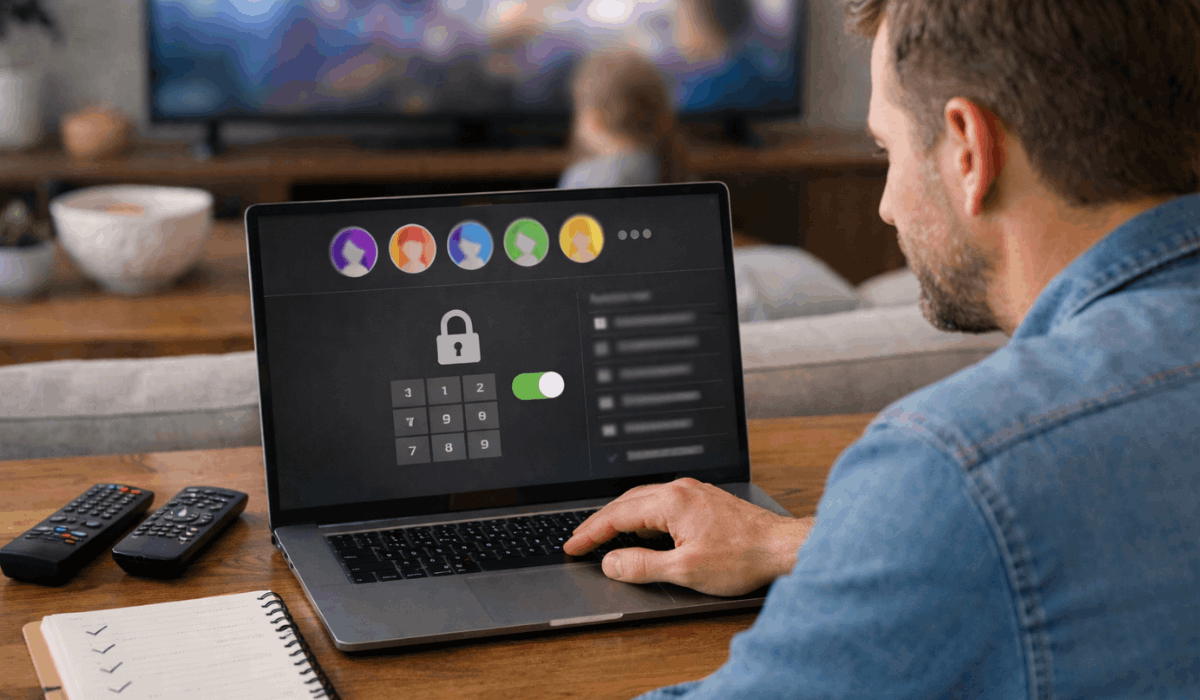
A kids’ profile needs a real maturity setting, not only a different avatar. Check ratings, profile locks, purchase restrictions, and who can switch into adult profiles on shared devices.
Review child safety settings and privacy boundaries after a child grows, a guest uses the account, or a new device arrives. These checks prevent awkward browsing and protect viewing history.
Check Security and Billing Before a Surprise Appears
Streaming accounts can remain signed in on old televisions, browsers, hotel screens, and borrowed tablets. Device activity and plan details deserve attention before an unfamiliar charge or playback limit causes stress.
Remove Devices You Do Not Recognize
Open the account page occasionally and look for devices you no longer use. Sign out of old hotel televisions, borrowed tablets, and anything you cannot identify, then change the password if something looks wrong.
This protects account access and personal activity beyond people you intentionally share with. Profiles separate history, but they do not secure an account open elsewhere.
Check the Plan Before It Renews
Plans can affect ads, downloads, streams, resolution, and how many household members watch at once. Review the current plan before renewal and compare its limits with normal weekly use.
Look closely at screen limits and payment methods, especially when you pay for unnoticed features or hit a playback cap. A short review prevents surprises and makes a lower or higher option easier to judge.
Make One Short Settings Check Part of Your Routine
You do not need to spend an hour inside every menu. One targeted review and one useful change can solve the issue that affects your viewing most often.
Start With the Problem You Actually Notice
If buffering is the problem, begin with quality and network rules instead of privacy settings. If the homepage feels wrong, check profiles and history before paying for a new plan.
This keeps settings changes tied to real frustration, instead of turning an app into a technical project. Review one section, test it once, and keep only changes that help.
Use This Quick Check Before a Busy Week
A short reset works before travel, a family movie night, or a renewal date. Start by checking the options that can affect everyone sharing the account. Use this simple settings check and practical routine:
- Playback: Match quality and audio to your connection and device.
- Offline: Confirm download quality, subtitles, and storage.
- Security: Review profiles, active devices, and plan limits.
Conclusion: Let the App Support the Way You Watch
The most useful streaming settings are the ones that match your connection, your devices, and the people sharing the account.
Review data use, downloads, profiles, privacy, and active devices before an ordinary issue becomes a larger interruption.
Do not change every option at once; test one adjustment that solves the problem you actually notice. That habit makes streaming feel simpler, safer, and more reliable whenever you press play across the screens you use most often at home.