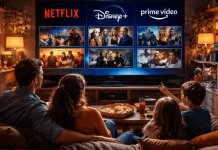
Streaming platforms do more than make films and series available on demand. Home-screen design, recommendation systems, autoplay, and reminders shape what feels easiest to watch next.
They do not remove personal choice, but they can turn a planned short break into a longer session. Understanding these features helps viewers use streaming intentionally during ordinary evenings after work, school, or travel, instead of accepting every prompt as a neutral suggestion.
The First Screen Sets the Default Choice
The opening screen shortens the time between launching an app and pressing play. Prominent placement and personalized rows make some titles feel easier to choose before you search.
Placement Creates a Fast First Choice
Continue Watching, Top Picks, and Because You Watched place selected titles ahead of the full catalog.
A show near the top may suit your taste, but it can also be new, seasonal, or part of a release push. That means high visibility and best personal fit are not always the same thing.
Recommendations Can Narrow the Feed
Platforms learn from titles a profile starts, finishes, replays, searches for, or rates. Netflix describes its recommendation system as using viewing signals to surface titles a member may enjoy. That saves time, yet repeated habits and familiar genres can make a feed feel smaller.
Autoplay Removes Natural Stopping Points
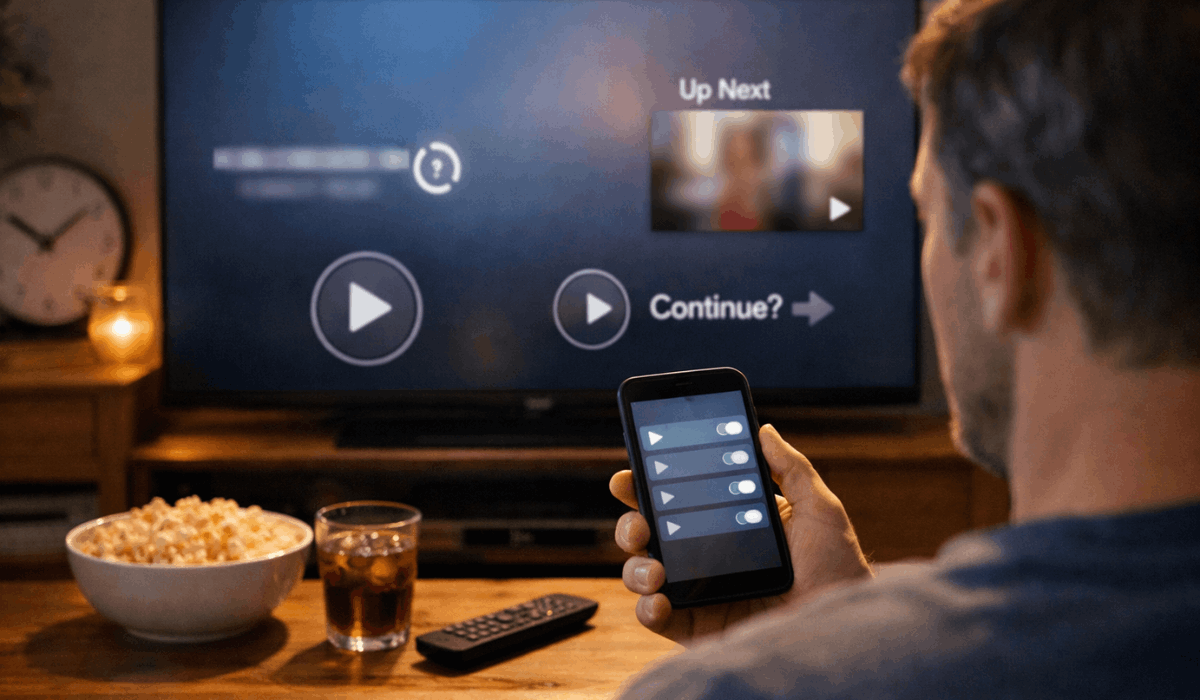
Autoplay makes a platform feel smooth because it removes the decision between one episode and the next.
Automatic continuation and reduced friction can be useful, but they can also keep a session moving without a clear choice.
Next-Episode Prompts Can Extend a Session
A short countdown begins when an episode ends, often before the credits settle. That gap would otherwise let you check the time, switch tasks, or save the story for tomorrow.
Netflix lets profiles change the next-episode autoplay setting, restoring a deliberate pause and a clearer endpoint.
Also read: Streaming Platforms and Binge-Watching Explained
Skip Tools Keep Attention Moving
Skip Intro, Skip Recap, and next-episode buttons make watching faster when you already want to continue. They remove repeated delays and small moments of reflection that might otherwise mark the end of a chapter.
This can suit a familiar comedy or weekend thriller, but a dense drama may benefit from a pause after a major reveal.
Release Schedules and Devices Change Attention
A viewing habit is shaped by more than a screen layout. Release timing and device choice affect attention, recall, and pressure to keep up.
Weekly and Full-Season Releases Create Different Routines
A weekly episode gives viewers time to discuss a clue, read a recap, or return with fresh attention. A full season gives more control to people with changing schedules, but it can encourage several chapters in one sitting.
These formats create different stopping points and different spoiler pressures, not one better experience.
Phones and Second Screens Change Recall
A phone is useful during travel, a break, or a quiet wait, but alerts and a small screen can make visual details easier to miss.
Watching television while checking another device can weaken recall of dialogue, gestures, and clues. This does not make mobile viewing or casual multitasking wrong; they suit some content better than others.
For subtitles, large casts, or shifting timelines, a fuller screen and fewer distractions may be more satisfying.
Social Signals and Shared Profiles Shape the Feed
Streaming feels private until online conversation, family habits, and shared accounts influence what appears next. Social pressure and mixed viewing history can change choices before you notice they are working.
Online Conversation Can Turn Viewing Into a Race
A viral clip, meme, recap, or spoiler warning can make a series feel urgent even when you were not planning to watch it.
Social talk can help people discover a show, but it can also push viewers through episodes faster than they prefer.
This creates fear of spoilers and pressure to keep up rather than a relaxed choice. Mute keywords or wait until you have time when staying unspoiled matters more than joining the conversation.
One Profile Can Mix Everyone’s Taste
When several people use one profile, the platform sees one blended record instead of separate preferences. Children’s animation, sports documentaries, reality shows, and adult dramas can then compete on one home screen.
Separate profiles create cleaner recommendations and more accurate episode progress for regular viewers. They also show whether a suggestion reflects your history or someone else’s viewing.
Small Controls Create More Deliberate Viewing
You do not need to reject recommendations or remove every convenient feature. Small account choices and clear viewing intentions can make the platform support your plans instead of setting them for you.
Decide the Session Before You Start
Before opening a new series, decide whether you want one episode, a short movie, or an entire evening. That boundary can guide your search and make a next-episode prompt easier to decline.
It creates a realistic plan and a natural stopping point before the app offers another choice. This is useful at night, when fatigue can make automatic continuation more appealing.
Use a Short Reset When the App Feels Noisy
When the feed seems repetitive or Continue Watching is full of accidental starts, review the profile before adding another subscription.
Start with the habit causing the most frustration, then make one adjustment instead of changing every setting. Use this short reset and simple routine when the app no longer feels useful:
- Pause: Turn off autoplay for a week and notice whether sessions feel easier to end.
- Separate: Give each regular viewer a different profile.
- Search: Use a mood, actor, language, or time limit instead of endless scrolling.
Conclusion: Make the Next Click a Choice
Streaming features reduce effort, but less effort does not always mean better attention. Home-screen placement, autoplay, device habits, and social conversation can shape a session before you decide what you want.
Use profiles, direct searches, and a clear stopping point to keep convenience without losing control. The best habit is choosing a viewing pace that fits your time, focus, and the story in front of you.