Featured Banners Serve More Than Your Taste
A large banner may promote a new original, seasonal release, or title with strong attention. Treat top-of-screen promotions and trending rows as invitations, not proof the rest of the catalog lacks better choices. Specific searches and collection pages often reveal options beneath the loudest artwork.
Profiles Keep Shared Viewing Clean
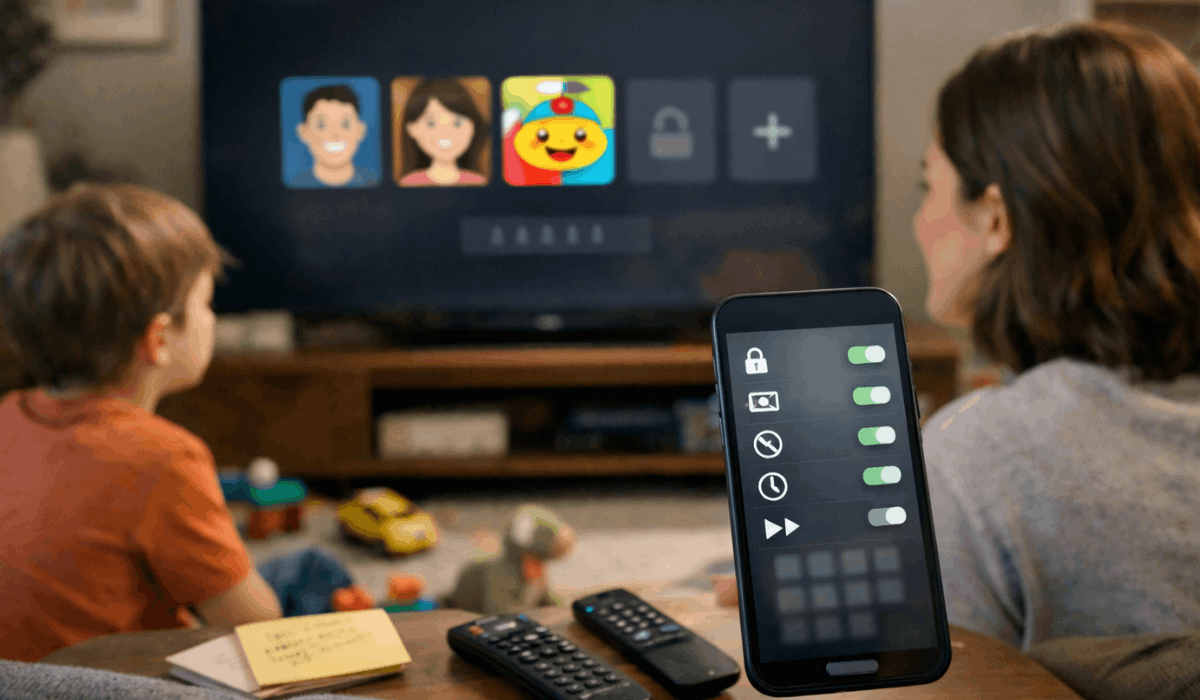
Separate profiles create cleaner viewing spaces inside a household account. They protect personal recommendations and individual progress so one person’s habits do not take over another person’s screen.
Separate Histories Prevent Mixed Suggestions
A child’s animation, a parent’s crime drama, and a roommate’s reality show can distort one shared homepage.
Separate profiles connect suggestions and Continue Watching to the person who watched. That produces clearer next picks and fewer wrong resumes on shared televisions.
Parental Settings Need a Quick Review
Children’s profiles and rating limits help make browsing appropriate for younger viewers. Disney+ says parental controls can manage content ratings, Junior Mode, and profile protection through its profile settings. Check age ratings and profile locks before assuming a missing title is a catalog problem.
Release Schedules Shape Viewing
A platform can release one episode weekly, post a full season, or split a story into batches. Release rhythm and viewer pace affect how long a show stays in your mind.
Weekly Episodes Leave Room for Reflection
A weekly gap gives viewers time to discuss a clue, revisit a scene, or read a recap before the next chapter. This helps mysteries, political dramas, and large-cast stories with small details.
The format supports shared discussion and episode-level memory, although it can frustrate viewers with irregular free weekends.
Full Drops Put Timing in Your Hands
A full season lets viewers watch one episode or several whenever their schedule allows. It suits comedies, thrillers, and familiar stories where momentum adds to the appeal.
The trade-off is faster spoiler pressure and blurred middle episodes after several hours without a break.
Plans and Regions Change Access
An advertised plan does not always match the experience in every country or household. Pricing tiers and regional libraries decide which features, titles, and screens remain available.
Low Prices Can Come With Practical Limits
A lower tier may include ads, fewer simultaneous streams, limited downloads, or lower video quality.
Netflix’s plan information shows that device limits, downloads, and resolution can differ by plan. Consider household screens and offline viewing before choosing only by price.
Prime Video Requires Label Checks
Prime Video combines included titles with rentals, purchases, channels, and paid options. A title can appear in search without being part of the base membership, making browsing feel like entering a store. Check Included with Prime and rent-or-buy labels before building movie night around one result.
Also Read: Streaming Plans Compared: What You’re Really Paying For
Make the App Work for You
You do not need to master every setting or study every homepage row. A few small habits and regular checks can make navigation calmer and more useful.
Start With One Intentional Search
Instead of scrolling until the app chooses, begin with a mood, genre, actor, or time limit. Searching “90-minute mystery” or “gentle comedy” gives clearer direction than a broad category. This creates faster decisions and less homepage fatigue when you have one evening to watch.
Review Your Account Before a Busy Weekend
Check profiles, remove abandoned shows, and confirm the features your household uses. Then make a short plan around one film or series instead of keeping dozens of vague choices open. Use this simple reset and practical routine before a holiday, trip, or family night:
- Profiles: Give each regular viewer a separate space.
- Plan: Confirm screens, ads, and download options.
- Access: Read labels before choosing a Prime Video title.
Conclusion: Use the App With More Control
Streaming works better when you understand what the platform tracks and what the plan permits. Clean profiles, specific searches, and access checks reduce time spent second-guessing an app.
Release schedules and regional rules will still change what is available, but they no longer need to feel random.
Use the controls that fit your routine, then spend more of the evening watching rather than sorting through options, especially on busy weekends.