
Streaming platforms can make entertainment feel easier, but they can also become another monthly cost that quietly grows. Netflix-style subscriptions, live TV add-ons, sports packages, and rotating catalogs all affect how much value you actually get.
The real question is not whether streaming is convenient; it is whether the service fits your budget, devices, viewing habits, and household setup. This guide breaks down the practical pros and cons so you know what to check before paying.
Why Streaming Feels So Convenient?
Streaming’s biggest advantage is control. You do not need to wait for a scheduled TV slot, record a program, or plan your evening around a fixed broadcast.
You can pause a movie on the TV, resume it on a tablet, or save an episode for travel when downloads are supported. For busy households, this on-demand access can make entertainment easier to fit around real routines.
The convenience becomes more useful when the platform matches how you watch. A solo viewer may care about recommendations and flexible pricing, while a family may need profiles, parental controls, and several simultaneous streams.
Someone who travels may value offline downloads more than 4K video. Streaming works best when the features support daily viewing, not when you pay for tools you rarely use.
Original Shows Can Add Real Value
Original and exclusive titles are another reason people keep subscriptions. Some shows, films, documentaries, and live specials are only available on one service.
If a platform has several titles you regularly follow, the subscription may feel easier to justify. The problem starts when you subscribe for one show and then barely open the app after finishing that series.
This is why watchlists matter before subscribing. Instead of joining because of one trending release, check whether the platform has enough titles for the next month.
If you can only name one thing you want to watch, a short-term subscription may make more sense than keeping it all year. A service should earn its place through regular use.
The Hidden Downsides Viewers Notice Later
Streaming can look affordable at first because each service has a small monthly price. The cost feels different when you add multiple platforms, sports packages, premium channels, and ad-free upgrades.
A household that subscribes to several services may end up paying more than expected. This is called subscription overload, and it often happens slowly.
Content fragmentation adds another frustration. One show may be on Netflix, another on Disney+, and a new movie may require rental through Prime Video or another store.
Viewers sometimes subscribe to three platforms and still cannot find the exact title they want. Before adding another service, check whether the missing content is included, rented separately, or unavailable in your region.
Also read: How Streaming Services Handle Series Releases
Rotating Libraries Can Interrupt Plans
A movie saved for later may not stay available forever. Many streaming titles are licensed for limited periods, which means they can disappear when contracts end.
This is especially common with older films, third-party shows, and regional content. If you see a leaving-soon label, treat it as a real deadline instead of assuming the title will remain.
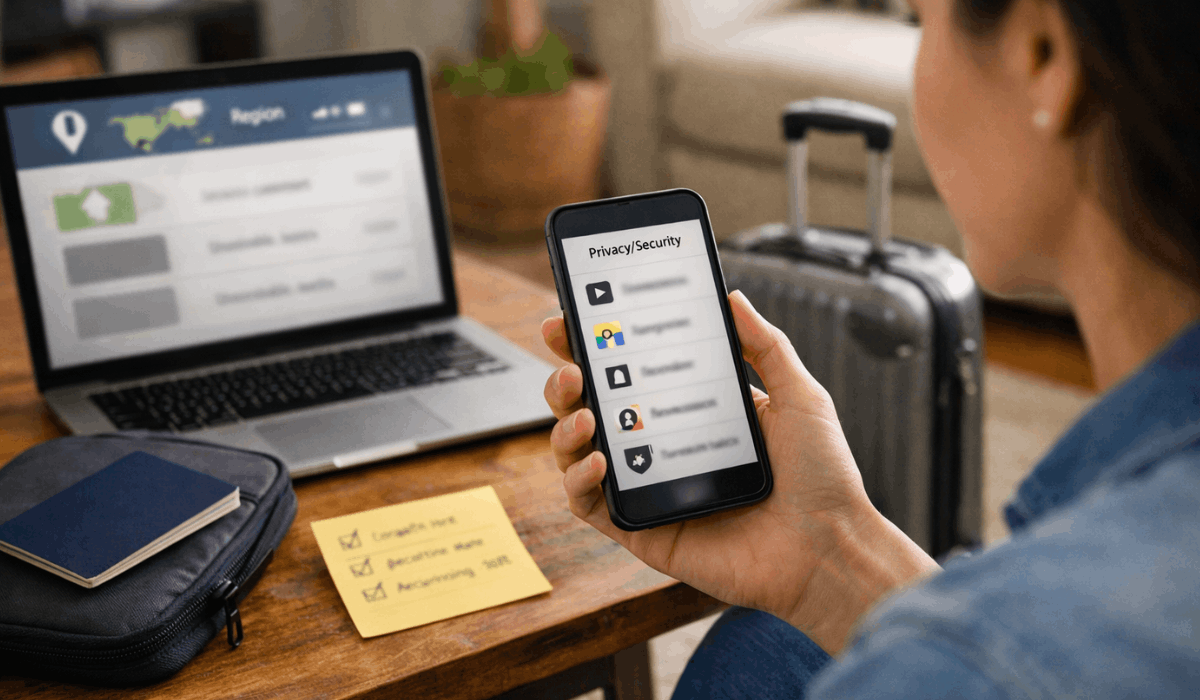
The same issue affects travel. A show available at home may be missing abroad because catalogs depend on regional rights.
Downloads can also expire or require the app to reconnect online. Before traveling, download important titles early and test playback while still connected to reliable Wi-Fi.
Quality Depends on More Than the Platform
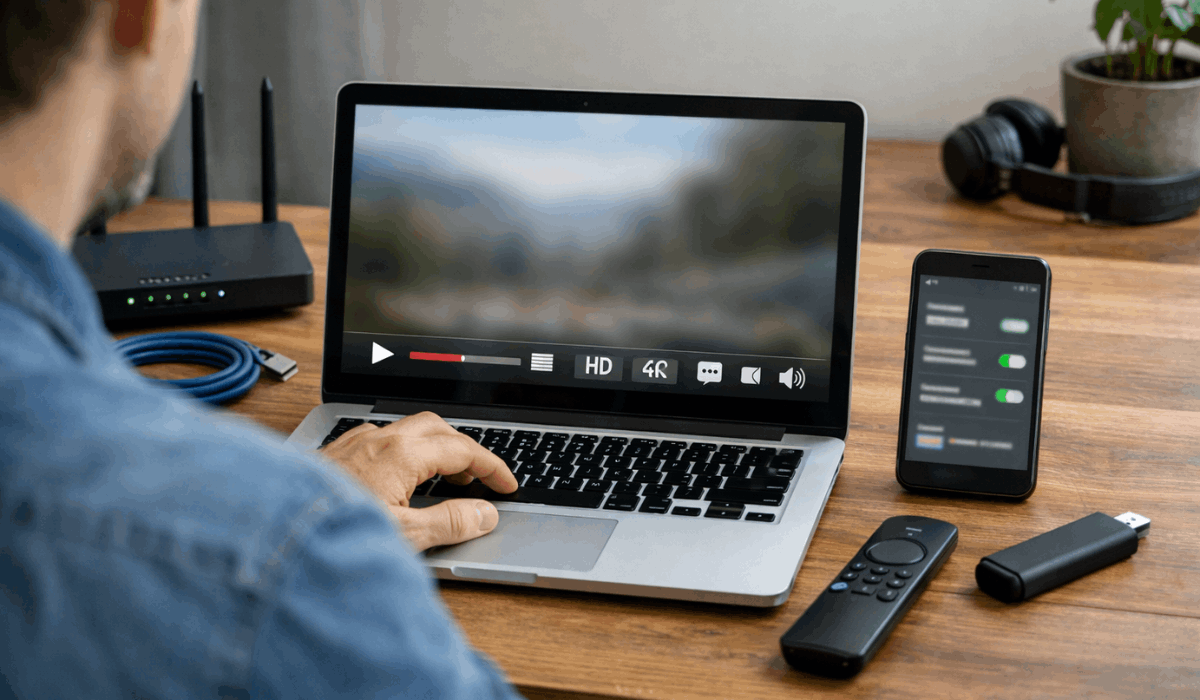
A streaming service can offer HD or 4K, but your setup decides what you actually see. Internet stability, device support, app performance, and plan limits all affect playback.
A weak Wi-Fi signal can lower video quality even if your internet plan looks fast on paper. Smooth streaming depends on connection stability, not speed alone.
Older smart TVs, browsers, phones, or streaming sticks may also limit features. Some devices cannot support certain audio formats, HDR, or newer app versions.
If one screen looks worse than another, the issue may be the device rather than the platform. Before upgrading your plan, check whether your screen, app, and subscription support the quality you expect.
Ads and Plan Limits Can Change the Experience
Lower-cost plans may include ads, fewer downloads, lower resolution, or fewer simultaneous streams. That can be acceptable for light viewing, but annoying for families or people who watch daily.
A cheaper plan is only useful if the limits do not interfere with how you actually watch. Price should be compared with practical features, not just the monthly number.
Live sports and news can also add restrictions. Some games may be blocked by local rights, while certain channels may require upgrades or add-ons.
Sports packages can raise the true monthly price quickly. Always check blackouts, device limits, and regional availability before paying for live content.
Privacy, Tracking, and Account Control
Streaming platforms use viewing history, search activity, saved titles, and watch time to shape recommendations. This can be helpful when the suggestions match your taste.
It can also become annoying if one shared profile mixes children’s shows, documentaries, reality TV, and action movies into the same feed. Separate profiles keep recommendations cleaner.
Account security also matters. Shared passwords, old devices, and weak logins can create problems, especially when payment details are connected.
Review active devices, remove ones you no longer use, and set a strong password. If two-step verification is available, use it for extra protection.
A Very Short Checklist Before Paying
Before starting or renewing a subscription, review the details that affect everyday use. This quick check can prevent paying for features you do not need.
- Check must-watch titles first.
- Review ads and limits carefully.
- Cancel unused services monthly.
These steps are simple, but they change how you manage streaming. A subscription should not stay active only because you forgot to cancel it. If a platform is not being used, pause it and return when there is enough worth watching.
How to Save Without Losing What You Like
One practical approach is rotating subscriptions. Keep one core platform if your household uses it often, then add another service only when there is a specific show, movie, or season you want to finish.
This avoids paying for several quiet apps at the same time. Rotation works well because most streaming services allow monthly changes.
Bundles and promotions can help, but only if you understand when the discount ends. A low introductory price may become expensive later, and add-ons can make the bill harder to track.
Set a reminder before the promo renews at full price. Saving money depends on watching the bill as carefully as the catalog.
Conclusion: Make Streaming Work for Your Real Habits
Streaming platforms offer convenience, variety, and flexible viewing, but they also bring shifting catalogs, plan limits, privacy concerns, and rising costs.
The best service is not always the one with the most titles; it is the one your household actually uses. Start with one platform, track what you watch for 30 days, then cancel anything that does not justify its place.
Streaming feels more useful when you control the subscription instead of letting small monthly charges pile up unnoticed.








