
Most streaming subscribers pay for three or more platforms and still open an app and stare at the home screen for 20 minutes before rewatching something familiar.
That is not a content problem. There are thousands of titles on every major service. The apps are doing something deliberate to your decision-making process.
Streaming platforms carefully architect their layouts to influence viewing habits. Every row, every banner, every Continue Watching prompt is placed with intention.
Once you see the system underneath the interface, you stop being its passive target and start using it on your own terms.
The Algorithm Is Working Against Your Taste
The home screen feels personal. That feeling is the point.
Platforms analyze watch history and feedback signals to generate your home screen. But personalization is not the same as useful.
After a few months of regular use, that system stops expanding your taste and starts reflecting a narrow version of it back to you on repeat.
Why the Algorithm Shrinks Your Taste Over Time
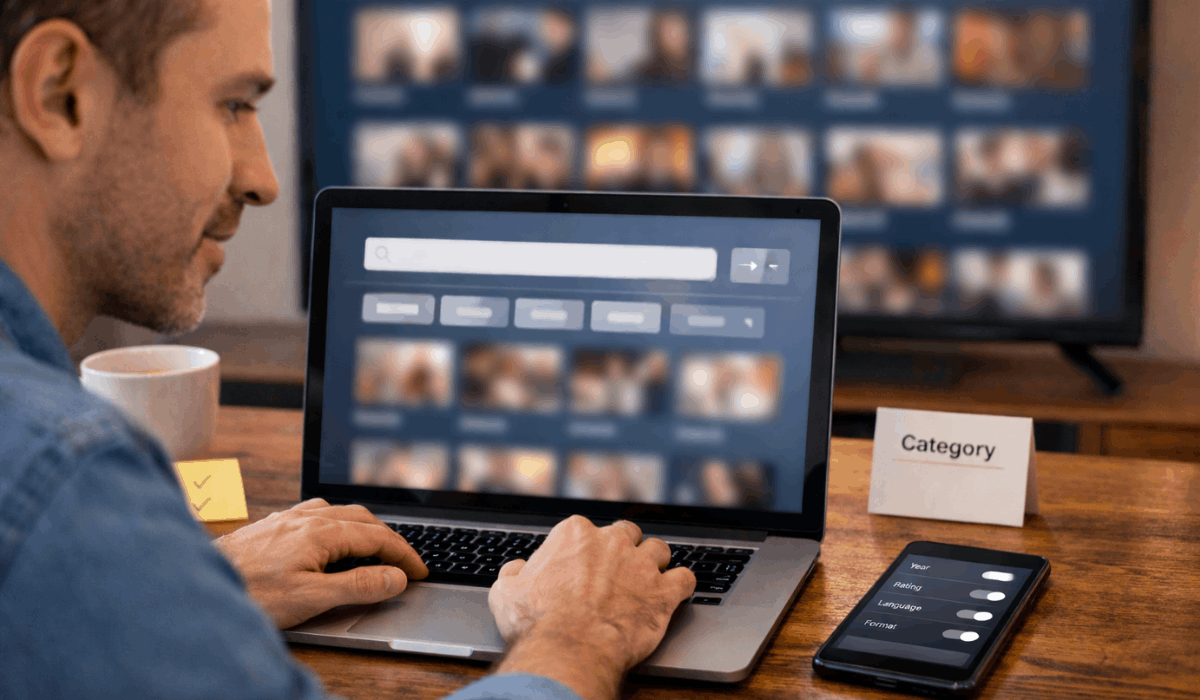
I’m skeptical of anyone who calls the personalized home screen a genuine discovery tool. Platforms generate it by analyzing watch history and feedback signals, which means it surfaces what you already watch, not what you haven’t found yet.
The niche subgenre system these platforms built is broad enough to surface genuinely unexpected, genre-crossing titles. The algorithm bypasses that breadth by prioritizing completion probability over novelty.
The fix is mechanical: browse manually through genre and subgenre shelves at least once a week. The content surfacing three or four categories deep is almost never what the home screen would have shown you.
Human Curation Beats the Algorithm for Discovery
Platforms balance their algorithm with human editorial curation. Real people choose which titles land on high-profile banners and which films get grouped into themed collections.
Those editorial placements are built specifically to highlight new releases and award-winning films, which means the curation team is actively working against the algorithm’s tendency to serve you the familiar.
The banners that look generic because they appear the same for most users often contain fresher, more unexpected picks than your personalized rows. That’s worth pushing past the instinct to scroll by them.
The Structural Logic Underneath the Scroll
Most people treat a streaming app like a TV guide. It functions more like a filing system with several overlapping layers, each doing a different job.
How Franchise Hubs and Season Sequencing Work
For serialized content, platforms group episodes by season and sequence. Franchise hubs and chronological timelines organize sprawling cinematic universes so viewers can follow multi-entry story arcs without losing the thread.
A superhero franchise spanning 15 films and 8 connected series is effectively unusable without a hub that sequences everything correctly. The platform is doing structural work that a flat genre shelf cannot replicate.
This same logic extends to documentary series and anthology shows, where episode order matters more than casual browsers assume.
What That Metadata Is Actually Telling You
Age ratings, quality tags, and runtime details are not decorative. They are a judgment system embedded into every browse session, designed to let viewers make faster decisions without reading a full synopsis.
A 94-minute runtime versus a 3-hour one, or a TV-MA tag next to PG-13, shapes a pick before a trailer even loads.
My take: quality tags like 4K HDR labels, which platforms surface as part of their metadata system, are the most underused filters in any streaming app.
Most viewers register them as background noise. They are free, pre-applied filters that can cut a browsing session significantly shorter.
The metadata categories worth paying attention to:
- Runtime tags: useful for matching content to available time, not just genre mood
- Age rating labels: practical filters when sharing an account with children or when you want content that skews adult
- Quality tags: 4K, HDR, and Dolby Vision labels signal production investment that often correlates with overall show quality
Also read: How Naru Outsmarted the Predator and Why Most Reviews Miss It
The Background Systems Running Your Experience
There are features operating behind the visible interface. They shape your behavior whether you are paying attention or not.
Continue Watching and Auto-Play: Convenience or Control?
The Continue Watching row and auto-play logic exist to eliminate friction between episodes and between sessions. Every decision point removed is a moment the platform keeps you watching instead of closing the app.
Auto-play is framed as convenience. That framing is accurate but incomplete. Platforms designed it to facilitate seamless transitions between devices and consecutive episodes.
The practical effect: the decision of whether to keep watching moves from you to the interface.
Disabling auto-play is a single settings change. It reintroduces a small pause between episodes, and that pause is often enough to recognize you were actually done an episode ago.
Release Strategy Is a Retention Decision, Not an Editorial One
Platforms manage content availability based on release strategy, and the choice between weekly drops and full-season binges is not primarily an artistic one.
| Feature | Weekly Drop | Full-Season Binge |
|---|---|---|
| Subscription retention | Extends active months | Generates burst, then churn |
| Viewer commitment | Low per-week ask | High upfront ask |
| Social discussion | Extended, episode-by-episode | Compressed into launch week |
| Discovery pattern | Gradual word-of-mouth | Immediate viral or silence |
Weekly drops create appointment viewing that extends subscription lengths. Full-season drops generate intense short-term engagement followed by cancellations. Both are deliberate business decisions dressed up as content choices.
Taking Back Control of the Interface
Platforms give users more control than most people use. The default experience minimizes active choice, so the manual tools feel optional. They are not optional if you want a meaningfully better experience.
Watchlists, Profiles, and Versioning
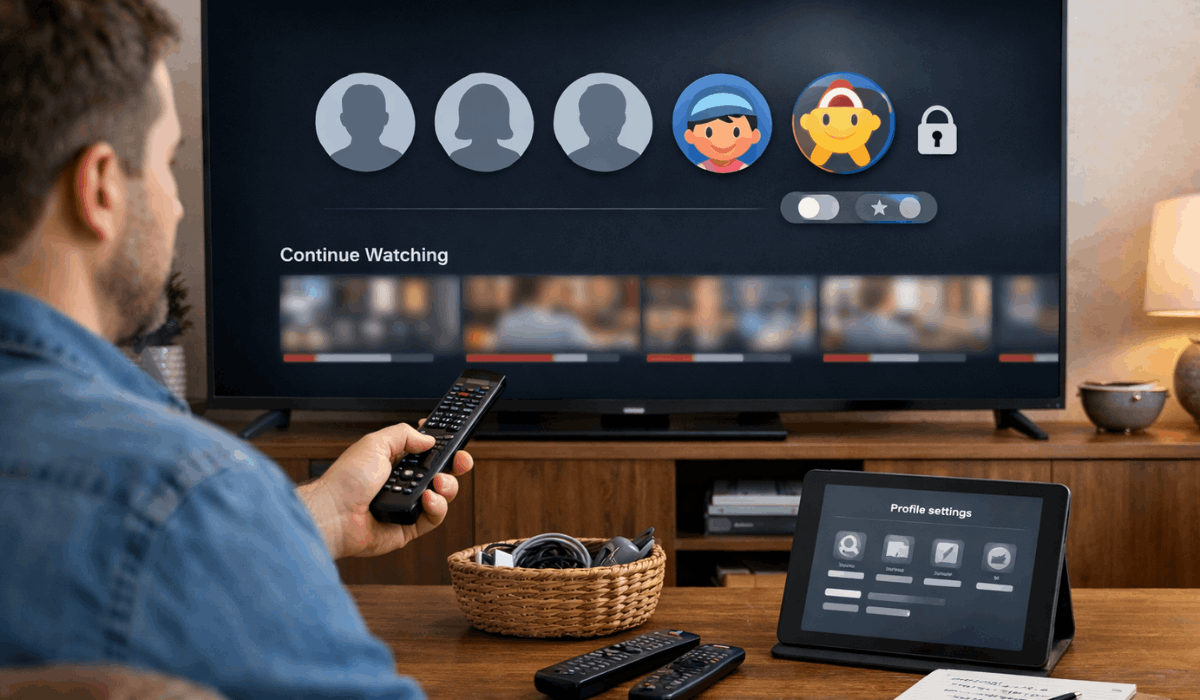
Individual profiles prevent mixed watch histories within a shared account. Multiple people using one profile distorts every personalized row for everyone. This is one of the most common and easiest-to-fix problems in shared streaming households.
Watchlists and reminders let you bypass the home screen entirely.
Add titles as you find them, then open the watchlist instead of the home screen when you sit down to watch. That single habit removes most of the decision fatigue that makes browsing feel exhausting.
Then there’s versioning, which almost no one discusses. Platforms maintain distinct versions of the same title, including:
- Theatrical cuts versus extended editions for major films
- Dubbed audio tracks and subtitled options as separate browsable versions
- Bonus features and director commentary as standalone content entries
These versions are not hidden. They are just never surfaced by the algorithm because secondary versions do not generate the same watch event value as starting a new title. The platform buries them by default.
Regional licensing dictates local availability based on your registered location.
A title available in another country may not exist in your regional library at all, even on the same platform. JustWatch surfaces regional availability clearly in a way that native apps tend not to.
And for anyone curious about how dramatically different the same service looks across borders, PCMag’s guide to VPNs for streaming explains those regional gaps in practical terms.
Questions People Ask About Streaming Platform Organization
Q: Why does my home screen look completely different from my partner’s on the same account? Separate profiles generate separate watch histories and feedback signals. Two different viewing patterns on the same platform produce two entirely different home screens, even within the same household and subscription plan.
Q: How do platforms decide which shows get the big banner placements? Human editorial teams make those decisions, separate from algorithmic personalization. Those spots are curated to push new releases and award-recognized content into view rather than reflect individual watch history.
Q: Can building a watchlist actually fix the endless scroll problem? A watchlist does not fix the scroll problem directly. It replaces the home screen as your starting point. Open the watchlist first, pick from titles you already decided you wanted, and the scroll disappears as a default behavior.
Q: What are versioning tools and why don’t platforms advertise them? Platforms maintain distinct versions of the same title including theatrical cuts, dubbed editions, and bonus content. The algorithm rarely surfaces secondary versions because they count as less valuable watch events than starting a new title.
Q: Why can my friend abroad watch titles I cannot find on the same platform? Regional licensing agreements split the global streaming library into geographic territories. The platform may own rights to a title globally but cannot legally surface it in your country under local distribution terms.
Conclusion
The system behind a streaming platform’s layout is far more deliberate than most subscribers stop to consider.
Every row, filter, and auto-play prompt follows a logic built to shape what you watch next. Knowing that logic does not make the app less enjoyable, it makes you a more intentional viewer.
The next time a home screen feels overwhelming, the fix is knowing which part of the interface to trust first.








