Streaming is part of everyday entertainment, but choosing the right platform isn’t always easy. This guide offers Streaming Services Explained for Casual Viewers, with simple comparisons between Netflix, Disney+, and Prime Video.
If you mostly watch in your spare time and don’t follow tech trends, this breakdown is for you. You’ll understand each platform’s strengths, content, and user experience.
What Casual Viewers Actually Need?
Not everyone uses advanced filters or binge-watches every week. This section defines what matters most to occasional streamers.
Simple and Clear Interfaces
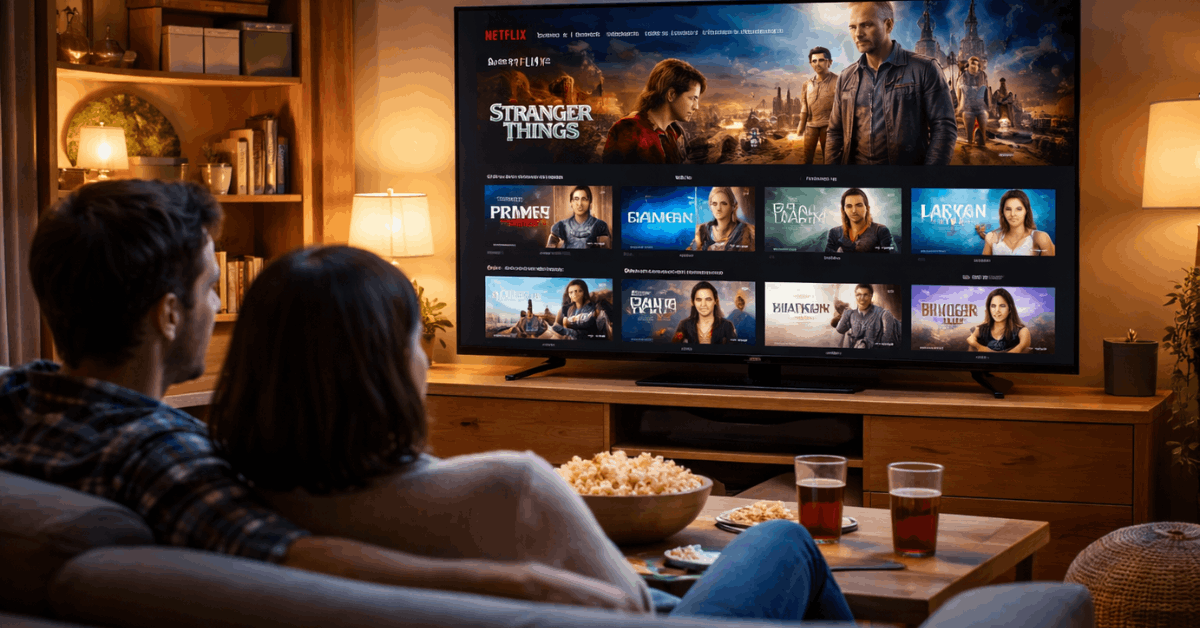
You need a service that’s easy to use without long setup. Netflix and Disney+ have clean layouts with smooth scrolling and previews.
Prime Video adds clutter with ad banners and unclear rentals. Navigation should be fast and distraction-free.
Disney+ uses tiles based on franchises for easier access. Netflix highlights trending content, but it can autoplay too quickly.
Stress-Free Suggestions
Most casual viewers want instant, helpful recommendations. Netflix personalizes based on recent watches and genre interests.
Disney+ shows themed rows based on franchises and new episodes. Prime Video mixes in paid content with free, which creates confusion.
Disney+ feels more focused, while Netflix constantly refreshes. Prime needs a clearer separation between free and paid.
Netflix: Balanced for All Viewing Styles
Netflix offers a mix of trending shows, global content, and binge-worthy seasons. It’s widely available and beginner-friendly.
Top Titles and Originals
Netflix’s strength lies in its content rotation and strong originals. You’ll find hits like Stranger Things, The Night Agent, and Bridgerton.
Documentaries, international series, and stand-up specials are easy to browse. It often adds full seasons at once, ideal for weekend viewers.
Casual users benefit from a consistent stream of new options. Older series also return for limited windows.
Viewer Tools That Work
Netflix includes features that simplify viewing. Continue watching helps you resume where you left off. The mobile app lets you download episodes for offline use.
Skip intros and automatic next-episode play; keep momentum going. Profile-based recommendations are useful for households.
Subtitles, playback speed, and audio languages are customizable. Everything works smoothly across devices.
Disney+: Focused and Easy for Families
Disney+ isn’t just for kids—it’s structured for easy access to major franchises. The layout and simplicity appeal to casual users.
Reliable Franchises and Family Favorites
If you’re into Star Wars, Marvel, or Pixar, Disney+ delivers. Titles like The Mandalorian, Loki, and classic animations are neatly categorized.
Weekly episode drops build anticipation without overwhelming. Educational content and musicals broaden their scope.
Parents enjoy consistent age-appropriate content. Marvel timelines are often updated with in-app guides.
Streamlined Platform Experience
Disney+ uses franchise tiles to guide exploration. Each page organizes shows by release order or popularity.
GroupWatch allows synced viewing with others. Continue watching and playlists are simple to manage.
Parental controls lock down profiles effectively. The interface is consistent across phones, tablets, and smart TVs.
Prime Video: Great Content, Clunky Design
Prime Video includes strong originals, but its interface frustrates many casual users. Let’s look at what works—and what doesn’t.
Big Series and Movie Collection
With Prime, you get shows like Reacher, The Boys, and Upload. Its movie collection is deep and includes popular franchises.
Some titles are exclusive for a limited time. However, the home screen mixes rentals with free titles.
You must check the corner label to confirm access. Subscribed content isn’t always featured clearly.
Interface Friction to Watch For
Prime’s interface doesn’t separate free vs paid clearly. Clicking a title may lead to rental options even if you didn’t expect it.
Banners and ads interrupt the browsing experience. Finding season lists or episodes can feel hidden.
X-Ray provides cast and trivia details, but isn’t always consistent. Navigation is better once you know what to expect.
Plan Costs and What You Really Get
All three platforms offer different pricing models. Here’s how they compare.
Subscription Plans Overview
Netflix offers three tiers: with ads, standard, and premium. Disney+ includes ad and ad-free versions in some regions.
Prime Video is free with an Amazon Prime subscription or sold separately. Each includes the core library.
The main difference lies in stream quality and simultaneous devices. Ads may appear in cheaper plans.
Supported Devices and Access
All platforms support smart TVs, phones, and browsers. Netflix allows multiple profiles and streams.
Disney+ offers mobile downloads and reliable playback across all devices. Prime Video may need extra app setup on certain TVs.
Offline viewing is available on mobile for all. Netflix and Disney+ have stronger mobile UI polish.
When to Choose Each Platform?
Your viewing habits should guide your subscription. Here’s a breakdown by user type.
Weekend Watchers
If you binge on weekends, Netflix is ideal. Most new series drop all episodes at once. The autoplay and skip features help maintain flow.
Prime Video works if you prefer movies or slower-paced shows. Disney+ releases episodes weekly but stays organized.
Family or Themed Viewing
Disney+ works best for households. It separates kids’ and adults’ content effectively. Marvel and Star Wars fans benefit from in-app timelines.
Netflix offers a broader appeal across genres. Prime Video mixes adult thrillers with light comedies but needs cleanup.
Helpful Features Casual Viewers Should Try
Some tools are often ignored but make watching easier. These features can improve your experience.
Watchlists and Downloads
All three let you save titles for later. Netflix and Disney+ sync lists across devices. Offline downloads are available on mobile for travel.
Continue watching queues are automatic and editable. Disney+ is best for simple list management. Prime sometimes resets downloads after app updates.
Playback Options and Customization
Netflix has flexible subtitle and audio tools. Disney+ subtitles are readable and well-positioned. Prime offers subtitle adjustments but less audio variety.
Smart TVs and consoles handle playback differently. Netflix works well even on older devices. Disney+ handles streaming resolution consistently.
When Titles Expire or Rotate?
Content doesn’t always stay forever. Here’s how to manage what’s available.
Licensing and Content Changes
Netflix rotates shows based on regional licensing deals. Disney+ keeps its originals but may rotate old legacy shows.
Prime Video removes titles without much warning. Some titles expire monthly across all services. Check expiration dates if available. Original shows tend to stay longer.
Tools to Track What’s Leaving
Netflix sometimes shows a “Leaving Soon” label. External apps like JustWatch help monitor changes. Disney+ rarely announces removals in advance.
Prime doesn’t label expiring titles clearly. Keeping a simple watchlist helps avoid missing something. New arrivals are often shown at the top.
Feature Comparison Snapshot
Let’s summarize how each service compares in key areas for casual users.
- Navigation and Ease of Use: Disney+ is the cleanest, followed by Netflix. Prime Video has the steepest learning curve.
- Best for Original Series: Netflix wins with variety and release frequency. Prime has fewer titles but strong dramas.
- Best For Families: Disney+ is the clear winner. Netflix follows. Prime Video lacks parental-friendly filters.
Final Thoughts for Everyday Viewers
You don’t need to subscribe to everything—just what fits your time and habits. This guide on Streaming Services Explained for Casual Viewers shows that Netflix, Disney+, and Prime Video each have unique strengths.
Choose Netflix for variety, Disney+ for franchises, and Prime for value with shopping perks. Start with what feels simple—and stick with what works for your daily life.