
The rows of titles on your streaming home screen are generated by an engagement algorithm, not curated to match your taste.
That gap explains most streaming frustration. Recommendations feel off because they are off, by design.
Streaming platforms run on layered systems: recommendation engines, licensing rules, feature rollouts, and live A/B tests running in the background every time you open the app.
This breakdown covers how those systems work, why the same platform can look different on your screen versus a friend’s, and which features reward closer attention.
Your Home Screen Is a Product, Not a Personal Guide
Viewer behavior signals are the data points feeding everything on your home screen: watch time, pauses, skips, rewatches, and recent activity. The algorithm doesn’t know what you enjoyed. It knows what you kept playing.
Skipping quickly through an episode reads as disengagement. Rewatching a scene reads as high interest. The system can’t distinguish between rewinding because you loved a moment and rewinding because you missed a subtitle.
What the Algorithm Weighs Most Heavily
The signals feeding your recommendations include:
- Watch duration: how long you stay with an episode or film before stopping
- Skips and rewatches: treated as proxies for disengagement or strong interest, respectively
- Recent activity: weighted significantly more heavily than long-term patterns
- Shared account signals: pooled data from every viewer on the account unless profiles are separated
Recent activity dominates the rest. Watch one documentary late at night and your home screen can shift toward that category for days. The engine prioritizes what you watched recently over what you consistently come back to.
How Shared Accounts Quietly Break Your Suggestions
When multiple people use the same account without profile switching, their behavior signals get pooled. A household of four people watching animation, action films, documentaries, and reality TV sends four conflicting streams of data to the same engine.
The result isn’t a smart blend. The algorithm can’t synthesize those signals cleanly, and nobody gets coherent recommendations as a result.
Separate profiles aren’t optional in a shared account. They’re the only way the recommendation engine gets clean input to work with.
The Problem With “Just Use Separate Profiles”
Most streaming guides stop at “use separate profiles.” That’s right, but it only fixes half the problem.
I’d argue that Continue Watching shows the deeper issue more clearly than any other feature: it automatically surfaces all unfinished content on the home screen, with no mechanism to distinguish between “I paused to get a snack” and “I stopped because I didn’t like this.”
The row keeps showing you content you may have already consciously decided against.
Separate profiles clean up the input. They don’t change what the algorithm is optimized for, which is watch time. Even a perfectly isolated profile feeds a system that rewards longer sessions and higher completion rates.
Episode Order and the Autoplay Pipeline
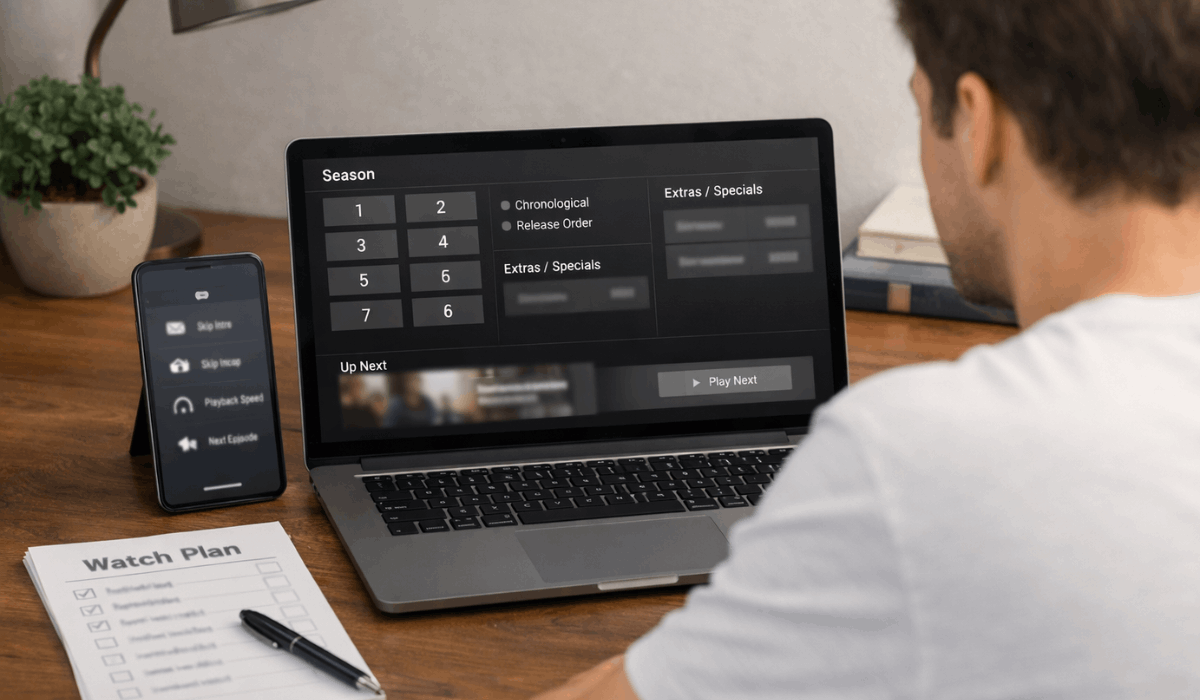
Episode lists and season structure define the viewing sequence for every series on a platform. For most shows, this is invisible.
For shows with non-linear narratives, prequels, or special episodes placed outside the main order, the sequence you watch changes what you understand and when.
Some platforms include chronological order labels, organizing episodes by in-story timeline rather than release date. Getting this wrong on the right show doesn’t cause mild confusion. It spoils the reveal you were supposed to reach later.
Autoplay Is a Retention Feature, Not a Viewer Courtesy
Calling autoplay a convenience tool misses what it was built to do. Streaming platforms introduced autoplay to close the gap between episodes.
That gap is where viewers pause, check the time, and make a conscious decision about whether to keep going. Removing it doesn’t serve you. It removes the decision point entirely.
Turning autoplay off puts that pause back. For a lot of people, that one moment is enough to realize they’re tired, not interested in the next episode, or ready to do something else. The platform was designed with autoplay specifically to prevent that pause from happening.
How Skip Controls Build a Seamless Path From Start to Finish
Skip intro, skip recap, and next episode prompts work together as a layered system. Each one removes a natural break between the content.
- Skip intro: bypasses opening sequences that create a brief pause between episodes
- Skip recap: removes the “previously on” segment that orients you and slows momentum
- Next episode prompts: on-screen cues that advance you forward without requiring an active choice
Individually, each is harmless. Together, they build a path from episode one to episode twelve without a single moment to reconsider.
Platforms measure exactly this: how many viewers make it through without stopping. That metric, not your enjoyment, is what these features are optimizing for.
Also read: How to Pick a Streaming Platform Without Wasting Another Month’s Subscription
Quality Settings That Reward One Look
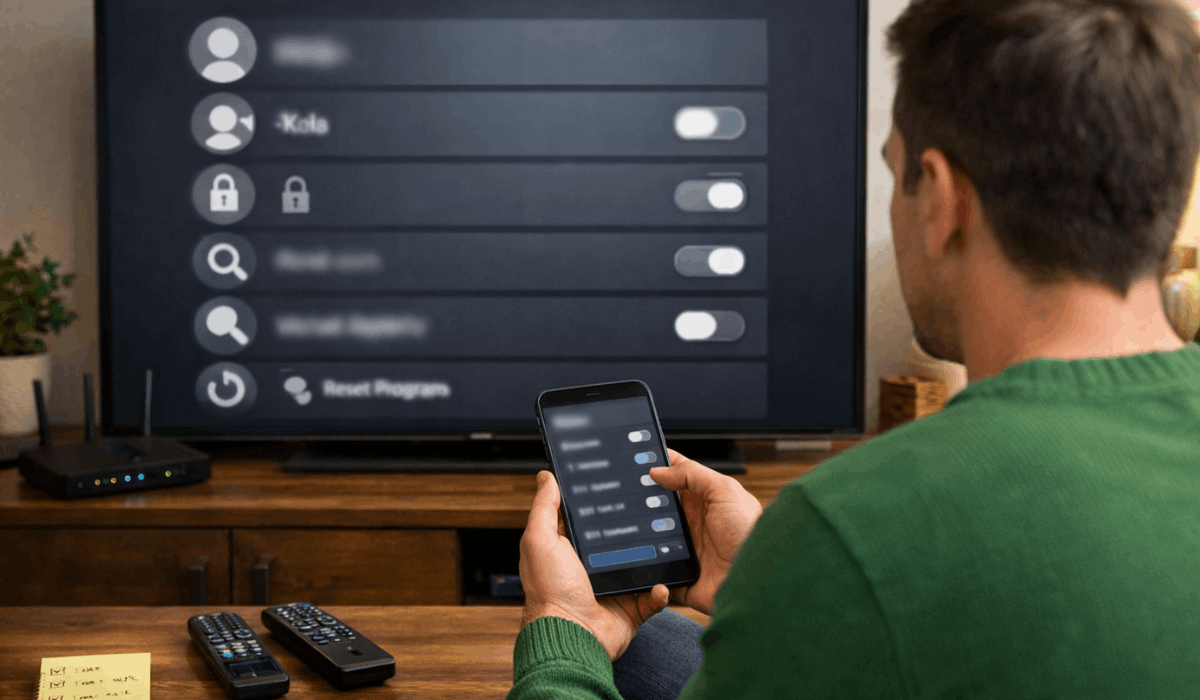
Streaming quality adjusts resolution based on your connection or a manual setting. Most viewers leave this on auto indefinitely, which is fine for standard use.
But if you’re noticing buffering, quality drops mid-episode, or mobile data usage that seems too high, the settings menu is worth opening.
Data saver modes exist on most platforms and reduce consumption on mobile networks. Download quality sets the file size of saved content separately from your live streaming resolution.
Feature availability shifts depending on your device:
| Feature | TV App | Mobile App | Web Browser |
|---|---|---|---|
| Offline downloads | Not available | Available | Not available |
| Playback speed control | Limited or absent | Available | Available |
| Advanced settings | Limited | Full access | Full access |
| Subtitle customization | Standard | Full options | Varies by platform |
The mobile app consistently offers the most control. If a setting isn’t visible on your TV, the app is where to look.
The Download Expiration Detail Platforms Don’t Explain Well
Offline downloads look permanent. Save an episode, watch it without Wi-Fi, done. But download expiration operates on two separate triggers, and most platforms bury this in help documentation.
The first trigger is a time limit set at the point of download.
The second is a licensing change: if the platform loses the rights to a title after you’ve saved it, the license key that allows playback can expire even while the file sits on your device. The content is there. The permission to play it has expired.
Storage limits cap how much content can be saved per device. If you’re downloading for travel, check expiration dates before you leave, not at the airport.
Why Your Catalog Looks Different From Someone Else’s
Regional availability is determined by licensing agreements negotiated country by country.
A title available in one region may be licensed to a broadcaster in another, which blocks the streaming platform from offering it there. This is not a glitch. It’s how content distribution has always worked, applied to streaming.
Location detection uses your network or region settings to determine which version of the catalog you see.
JustWatch tracks streaming availability and expiration dates across platforms by country, which is useful when you want to know where a specific title can actually be found.
Why Titles Disappear Without a Clear Warning
Licensing timeframes define how long a title stays available before renewal or removal decisions are made.
When a deal ends, the platform removes the title or pays to extend the rights. Removal notices sometimes appear on the title’s page or in an expiring-soon carousel. Often they don’t appear at all.
If you’ve been planning to finish a series you started months ago, checking whether it’s still in the catalog before sitting down is worth making a habit.
Platform Updates You Never Got Notified About
Streaming platforms change features constantly and quietly. A menu repositioned, a button moved, a category row replaced.
These shifts don’t come with a notification because platforms use feature rollouts that deploy changes gradually, sometimes over several weeks, with no visible announcement.
User testing means small groups see changes before they reach everyone. That’s why someone can describe a feature you’ve never seen in your own app.
Why You and a Friend Might Be Looking at Different Apps
A/B experiments run continuously on major platforms.
Two people can open the same app on the same day and see different button placement, different row order, and different navigation menus. One version is being measured against the other to determine which drives higher engagement.
Netflix’s research team has published information about how these experiments operate, which gives some sense of how systematically these tests are deployed.
Behavior tracking measures clicks, completion rates, and watch time to determine which layout wins.
So when someone gives you navigation instructions and they don’t match what you see on screen, it’s not because they’re wrong. They may simply be on the other side of a test you haven’t received yet.
Questions People Ask About Streaming Platform Features
Q: Why does my Continue Watching row keep showing things I’ve decided against watching? Continue Watching surfaces all unfinished content automatically and has no mechanism to detect intentional stopping versus accidental pausing. Most platforms let you remove individual titles from this row by long-pressing or opening the options menu on that title. Removing entries manually is the only reliable way to clean it up.
Q: Can the platform tell if I enjoyed something, or does background viewing count the same? Platforms measure watch duration and return visits, but have no way to detect intent. A show playing while you cook dinner registers as engagement. Rewinding because you missed dialogue looks the same as rewinding because you loved a moment. The system works on behavior, not preference.
Q: Why did my downloaded episode stop working even though the file is still on my device? Download expiration happens under two conditions: a time limit set at the point of download, or a licensing change that invalidates the playback key. The file remains on your device, but the rights to play it expire independently. Checking expiration dates before a trip saves you from discovering this mid-flight.
Q: Does using multiple devices affect my recommendations? Device sync shares watch progress across screens but does not create separate recommendation signals per device. All data routes to the profile you are signed into. Profile separation has far more impact on recommendations than device separation.
Q: Why can someone in another country stream a title that is not in my catalog? Regional availability is set by licensing agreements negotiated per country, not per platform globally. The streaming service may hold rights for that title in one region but not another. This is a distribution rights issue, not a subscription tier restriction.
Conclusion
Streaming platforms are deliberate systems built to maximize watch time, not the quality of what you choose. Understanding how these tools work shifts the balance slightly back toward your own preferences and intentions.
Every setting you adjust and every autoplay you disable is a small, practical act of reclaiming your viewing experience. The platform will keep optimizing for its goals, and now you have enough information to start optimizing for yours.








