
Streaming platforms decide what to promote by combining your viewing signals with business priorities and constant testing.
You see certain titles pushed to the top because the platform predicts you’re most likely to click and keep watching.
If you understand the main inputs behind promotion, you can better control what shows up on your home screen.
What Counts as “Promoted” Content
“Promoted” content is anything the platform puts in front of you first, like home-screen banners, highlighted rows, and autoplay previews.
It also includes Top 10/Trending placements, in-app recommendations, and notifications or emails that push specific titles.
The Main Goal Behind Promotions
Promotions exist to guide your attention fast and keep you watching longer. Here are the main goals behind them.
- Increase clicks and watch starts by placing the most tempting titles in the top slots.
- Boost watch time and completion so you stay engaged episode to episode.
- Reduce cancellations by keeping you consistently active on the service.
- Launch new releases faster by giving fresh titles immediate visibility.
- Prioritize originals and exclusives because they strengthen the platform’s identity.
- Support marketing campaigns tied to major releases, partners, or seasonal pushes.
The Data Platforms Use to Decide What You Might Watch
Platforms predict what you’ll watch by tracking what you do, what you search for, and the context around your viewing. Here are the main data signals they use.
- Viewing behavior: Watch time, completion rate, skips, and where you drop off.
- Engagement signals: Searches, watchlist adds, trailer plays, and likes or ratings.
- Context signals: Device type, time of day, profile settings, language, and region limits.
- Social proof: What’s trending in your country, age group, or similar viewers.
- Content similarity: Shared genres, themes, cast, directors, and franchises you already watched.
- Session patterns: How long you usually watch, what you pick first, and when you quit.
- Interaction signals: Scrolling speed, hover time, trailer stop points, and “not interested” actions (if available).
- Device and network: Connection quality, playback issues, and screen size that affect what’s practical to stream.
- Account signals: New vs long-time subscriber, plan type, and multi-user household patterns.
How Recommendation Ranking Works in Simple Terms
Recommendation ranking is the system that decides which titles appear first on your home screen.
It sorts options based on what you’re most likely to start and finish.
- Personalized ranking: It matches your habits to similar titles and viewers.
- Context-based ranking: It adjusts picks by device, time, profile, and viewing situation.
- Freshness and momentum: It boosts the visibility of new releases and fast-rising titles.
- Diversity control: It mixes in different genres so your feed doesn’t feel repetitive.
- Business boosts: It can lift originals, campaigns, or priority titles into key slots.
Business and Editorial Decisions That Shape Promotion
Promotion isn’t based only on what you like. Platforms also push titles that support their business goals and editorial plans.
- Originals and exclusives: These get priority because they build the platform’s identity and reduce reliance on licenses.
- Marketing campaigns: Big launches are timed to match paid ads, trailers, and press.
- Partnerships and licensing: Some titles receive additional placement through distribution deals or limited-time rights.
- Brand safety and suitability: Kids’ profiles, age ratings, and content policies filter what can appear in top slots.
- Revenue strategy: Ad tiers, sponsor-driven rows, and high-value audiences can affect what gets surfaced.
The Home Screen Is Built From Placement “Slots”
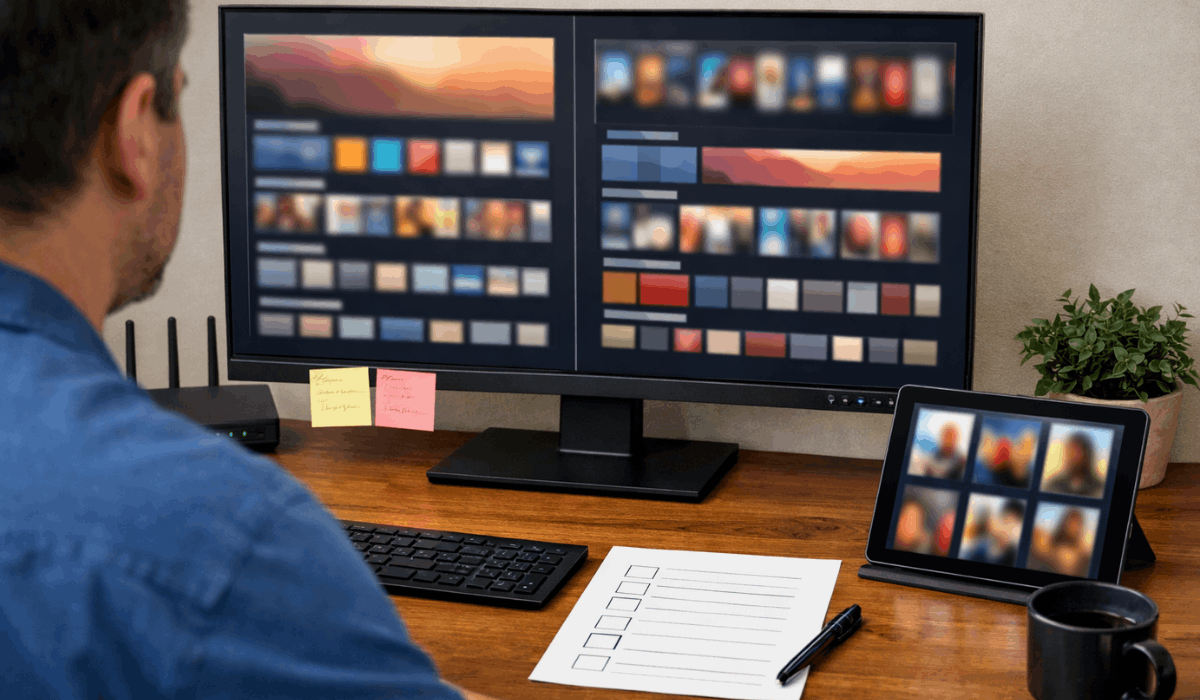
Your home screen isn’t a single, long list. It’s a set of fixed placement slots that the platform fills with different goals in mind.
- Row strategy: Each row has a job, like “Continue Watching,” “Trending,” “New,” or “Because you watched.”
- Slot priority: Top rows get the most clicks, so they’re used for high-confidence picks and big pushes.
- Personalization layers: Some rows are fully personalized, while others are partially shared across many users.
- Artwork and previews: Posters and autoplay clips can change based on what you click.
- Layout testing: The platform tests row order, names, and designs to improve starts and watch time.
Testing: How Platforms Learn What Works
Platforms don’t guess what works once and stop. They run constant tests to see what makes you click, watch longer, and come back.
- A/B testing layouts: They swap row order, row names, and section sizes to see what gets more attention.
- Thumbnail testing: They show different artwork to different users and keep the version that drives more starts.
- Placement testing: They move a title up or down to measure how much placement alone affects clicks.
- Autoplay testing: They test previews, “Up Next” timing, and countdown behavior to increase continuation.
- Measuring results: They track click-through rate, watch-starts, completion rate, session length, and retention over time.
Release Strategy and Calendar Planning
Platforms plan releases like a schedule, not a random drop. Timing helps a title stay visible longer and reach the right audience.
- Weekly vs binge: Weekly releases keep a show promoted for weeks, while binge drops often spike fast and fade sooner.
- Launch windows: Big titles are timed for weekends, evenings, and school breaks when you’re more likely to watch.
- Holiday boosts: Promotions often increase around holidays because viewing time rises and families share screens.
- Event competition: Sports finals, awards shows, and major news can pull attention, so platforms adjust what they push.
- Competitor timing: If a rival platform has a major release, promotion plans may shift to avoid being drowned out.
- Staggered rollouts: Some titles launch in waves by region or language to match local marketing and availability.
What Readers Can Do to Improve Their Recommendations
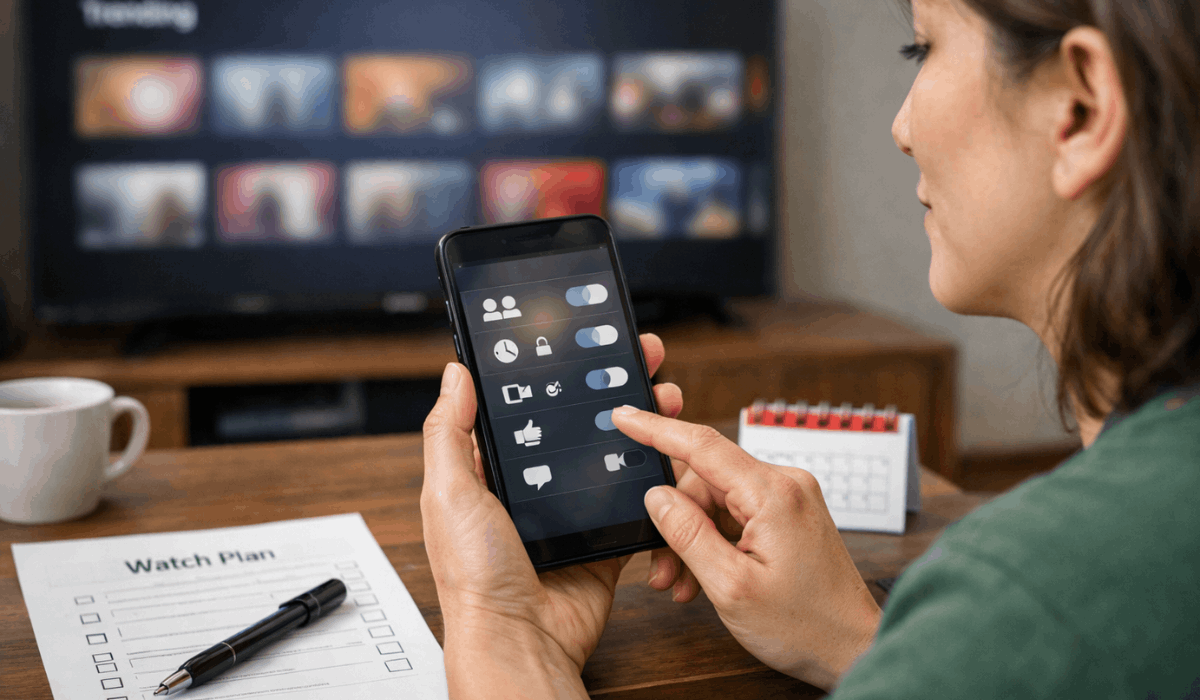
You can influence what the platform recommends by sending clearer signals through your profiles and habits.
These steps help your home screen match what you actually want to watch.
- Use separate profiles: Keep tastes apart so your feed stays accurate.
- Avoid shared viewing on one profile: Mixed habits confuse the ranking system.
- Use your watchlist: Save titles you truly plan to watch, not just browse.
- Rate or like when available: Use feedback tools to guide future picks.
- Finish what you enjoy: Completion is a strong signal that a title worked for you.
- Stop or abandon what you don’t like: Early drop-offs tell the system to adjust.
- Turn off autoplay if it misleads your history: Accidental plays can distort your signals.
- Review and manage watch history when possible: Remove outliers that don’t reflect your taste.
- Search intentionally: Searches show clear interest and can reshape your rows faster.
The Bottomline
Streaming platforms promote titles based on your viewing signals, business priorities, and continuous testing across the home screen.
If you manage your profiles, watch history, and feedback tools, you can make recommendations feel more accurate and less random.
Use these tips today, adjust your settings, and start watching with more control.








